
Euclid: The Game Level 10 — Constructing Geometry via Quadratics and Intersectio
Loading the math board and drawing, please wait…
In collections
Euclid: The Game
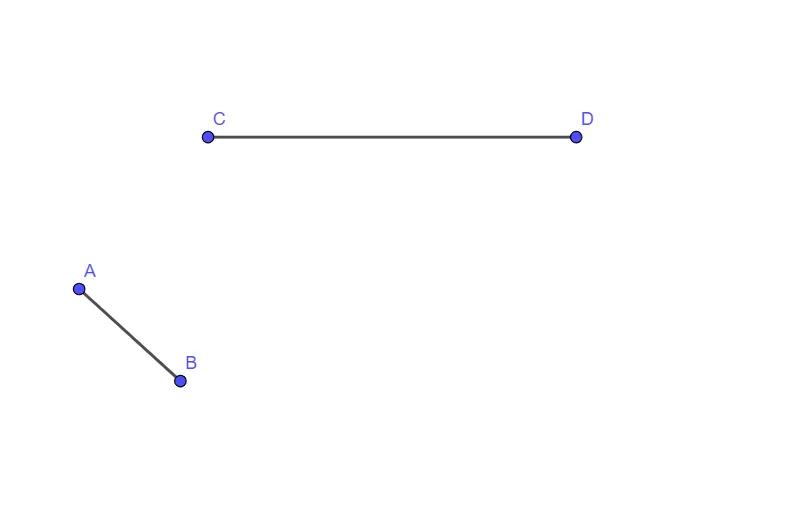
This example demonstrates how Level 10 of “Euclid: The Game” can be solved by constructing a planar geometry configuration using intersections between line segments and quadratic functions (parabolas). The key math ideas include quadratic function behavior, intersection of geometric entities (segments with curves/objects), and relationships that can be expressed through ratios and subtraction-type comparisons. Construction-wise, the GeoGebra workflow is driven by the commands Segment and Intersect: segments are created among key points (A, B, C, D, E, F, G), while f and g represent the functional objects whose graphs/associated geometry are used to find required intersection points via Intersect. The resulting intersection points serve as anchors to realize the target figure for the game. Suitable for secondary school learners and enrichment activities that connect algebra (quadratics) with geometric constructions.
GeoGebra Commands & Parameters
Segment(A, B) → fSegment(C, D) → gIntersect(g, f) → EIntersect(f, g) → FIntersect(g, f) → G
AI Drawing Prompt Reference
On a shared coordinate plane, first set up two key geometric constructions defined by line segments through the given points—one as the first object and the other as the second object. Then use the associated quadratic functions (parabola graphs) so that these curve objects intersect the corresponding constructed segments/figures. Determine the intersection points arising from the crossings between the two quadratic graph objects, producing multiple anchor points labeled E, F, and G. Use these intersection points as the main references to realize the target planar geometry configuration, focusing on how the structure is determined by curve and segment intersection relationships.
The prompt above was compiled from the original drawing commands and is for reference only.