
Estimate Circle Area Using Hexagon
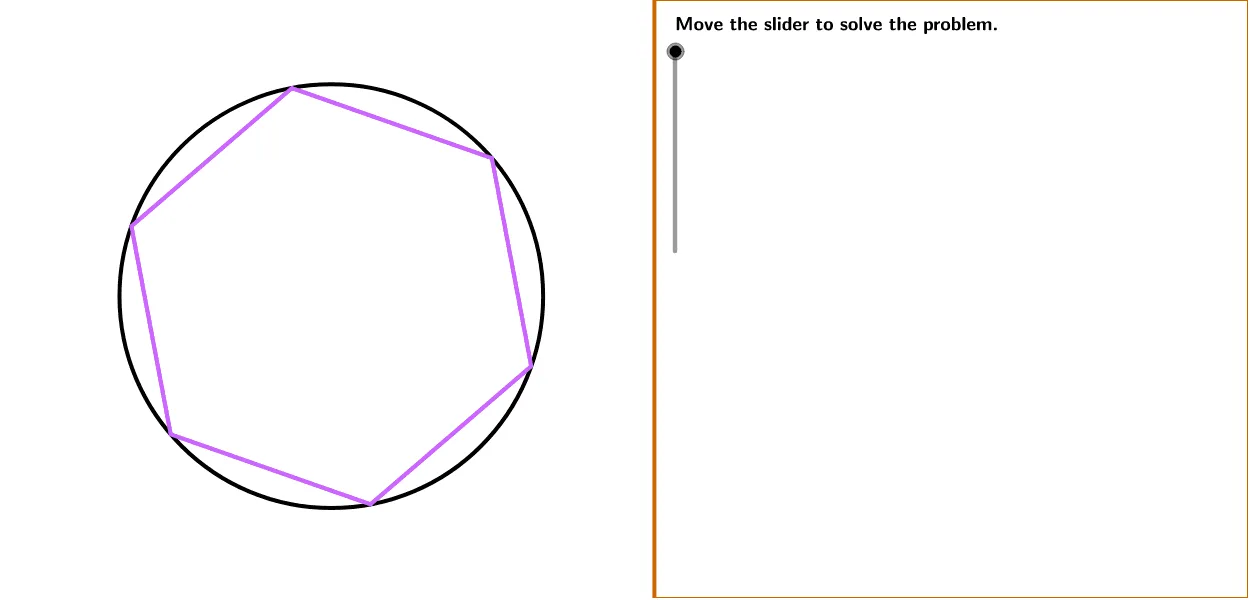
Loading the math board and drawing, please wait…
In collections
PARCC Math II Unit 6 Lesson 1
This example demonstrates how to estimate the area of a circle with a radius of 5 meters by dividing a regular hexagon into multiple triangles. It covers concepts such as polygons, circles, angles, and sequence construction. Commands used include Polygon, Circle, Rotate, Midpoint, Segment, Angle, and Sequence. Suitable for middle school and above students to learn geometric construction and area estimation.
GeoGebra Commands & Parameters
Polygon((Edge, y(Corner[1])), Corner[2], Corner[3], (Edge, y(Corner[4]))) → Mask, a, b, c, dCircle(P, B) → MainCircleRotate(B, (360 * ° / numberOfSides), P) → CPolygon(B, C, numberOfSides) → MainPoly, BC, G, e, f, g, h, i, A, E, FMidpoint(BC) → DSegment(P, B) → BPSegment(P, C) → CPSegment(D, P) → DPAngle(B, P, C) → BPCAngle(B, P, D) → BPDSegment(D, B) → BDSequence(Rotate[B, ((i * 360) * ° / numberOfSides), P], i, 1, numberOfSides) → PtListSequence(Segment[P, Element[PtList, i]], i, 1, numberOfSides) → SegList
AI Drawing Prompt Reference
Draw a circle with a radius of 5 meters and estimate its area by dividing it into multiple triangles using a regular hexagon. First, draw a regular hexagon, then rotate its vertices around the center to form multiple triangles, and finally connect the center to the vertices of these triangles to form multiple triangles and estimate the area of the circle.
The prompt above was compiled from the original drawing commands and is for reference only.