
Equations of Perpendicular Lines (Open Middle) - V2
Loading the math board and drawing, please wait…
This example demonstrates how to explore the equations of perpendicular lines through interactive operations. Core math concepts include the negative reciprocal relationship of slopes, the intercept form of linear equations, and analytical geometry concepts like point-slope form. Construction highlights derived from the GeoGebra command summary: Textfield, Intersect, Mode, Point, Polygon, Dilate, Vector, Translate, Segment, Rotate, Angle, If; objects: a, b, c, d, e, f, InputBox1, InputBox2, InputBox3, InputBox4, InputBox5, InputBox6, text1, eq1, eq2, B, l1, l2, button1, A, C, D, E, F, G, t1, g_1, a_1, f_1, g, A', u, A'_{1}, F', G', t1', g, a'_{1}, f, A'_{2}. Suitable for high school students to understand the algebraic properties and geometric significance of perpendicular lines.
GeoGebra Commands & Parameters
Textfield(a) → InputBox1Textfield(b) → InputBox2Textfield(c) → InputBox3Textfield(d) → InputBox4Textfield(e) → InputBox5Textfield(f) → InputBox6Intersect(eq2, eq1) → BMode(l1) → l2Point(eq1) → APoint(eq2) → CPoint(eq2) → DPoint(eq1) → EPolygon(A, F, G) → t1, g_1, a_1, f_1Dilate(A, If[0 < g ≤ 1, 1 - g, 0], C) → A'Vector(A, A') → uTranslate(A, u) → A'_{1}Translate(F, u) → F'Translate(G, u) → G'Polygon(A'_{1}, F', G') → t1', g', a'_{1}, f'Translate(A, u) → A'_{2}Translate(F, u) → F'_{1}Translate(F, u) → F'_{2}Translate(G, u) → G'_{1}Segment(A, G) → hTranslate(A, u) → A'_{3}Translate(G, u) → G'_{2}Rotate(A'_{1}, If[1 < g ≤ 2, ((g - 1) * π / 2), π / 2], C) → HRotate(F', If[1 < g ≤ 2, ((g - 1) * π / 2), π / 2], C) → F''Rotate(G', If[1 < g ≤ 2, ((g - 1) * π / 2), π / 2], C) → G''Polygon(H, F'', G'') → t1'', g'', h_1, f''Angle(C, B, A) → αIf(Length[l2] ≟ 0, "AV's of all digits are different!", "AV's of some digits repeat.") → text2
AI Drawing Prompt Reference
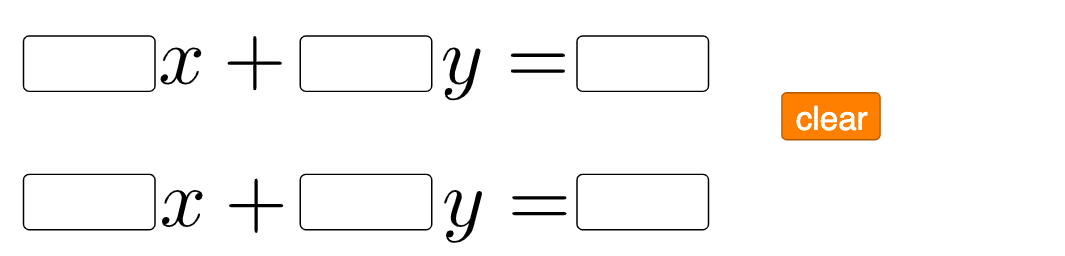
Draw two perpendicular lines by inputting their slopes and intercepts. Drag points A and C to observe the perpendicular relationship between the two lines. Use input boxes to enter the slopes and intercepts of the lines, then automatically draw the two lines and display their intersection point B. Perform translation and rotation operations to construct new triangles and polygons, and observe the properties of perpendicular lines.
The prompt above was compiled from the original drawing commands and is for reference only.