
Entering Vectors
Loading the math board and drawing, please wait…
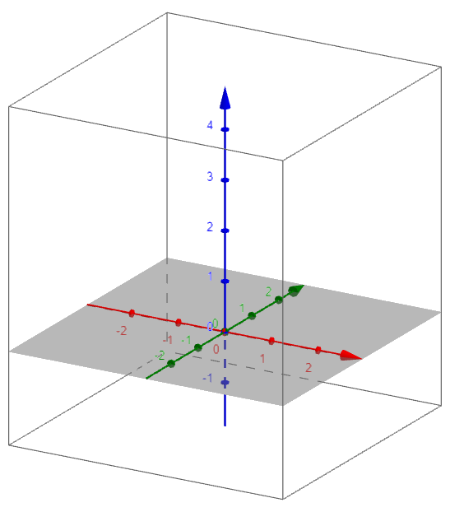
This example demonstrates how to enter and manipulate vectors in GeoGebra. The core mathematical concepts involved include vector representation, vector addition, vector subtraction, and the magnitude of a vector. Construction highlights include using GeoGebra's vector commands to create vectors and employing sliders to dynamically adjust the start and end points of vectors. It is suitable for high school mathematics instruction, helping students understand the basic properties and applications of vectors.
AI Drawing Prompt Reference
Create a diagram illustrating fundamental vector concepts, featuring two vectors with clear starting and ending points, indicated by arrows. Include two sliders to dynamically adjust the start and end positions of each vector. Additionally, visually represent the sum and difference of these two vectors in a geometric manner within the diagram, and label the magnitude of one vector to demonstrate vector addition, subtraction, and magnitude calculation直观。
The prompt above was compiled from the original drawing commands and is for reference only.