
Ellipse with Sliders
Loading the math board and drawing, please wait…
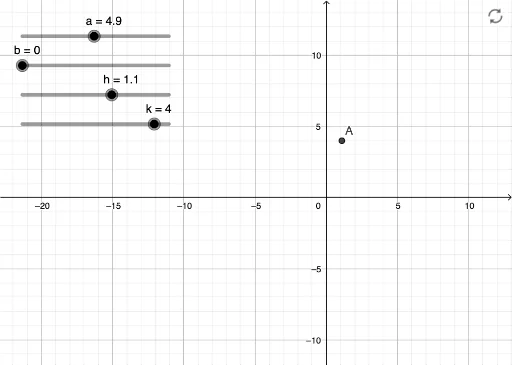
This example demonstrates an animated ellipse using sliders to adjust its shape and position. It involves the basic properties of ellipses and parametric equations. The construction uses GeoGebra's parametric equation command. Suitable for high school mathematics education, particularly for learning coordinate geometry and parametric equations.
GeoGebra Commands & Parameters
Numeric h(1.1)Numeric a(4.9)Numeric k(4)Numeric b(0)(x - h)^(2) / a^(2) + (y - k)^(2) / b^(2) = 1(h, k)
AI Drawing Prompt Reference
Draw an ellipse with adjustable shape and position using sliders. The center of the ellipse is at point (1.1, 4), with a major axis length of 4.9 and a minor axis length of 0. First, create point (1.1, 4) as the center of the ellipse, then use parametric equations to draw the ellipse, and adjust the sliders to change the shape and position of the ellipse.
The prompt above was compiled from the original drawing commands and is for reference only.