
Ellipse Series: Dynamic Construction and Special Points Exploration
Loading the math board and drawing, please wait…
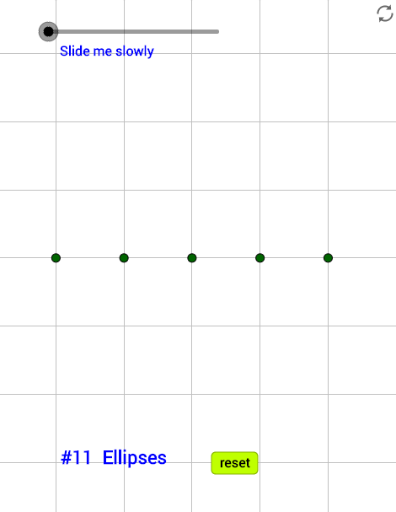
This example demonstrates how to dynamically construct a series of ellipses in GeoGebra, exploring their properties through special points, step functions, and equations. The core mathematical concepts include the standard equation of an ellipse, special points such as foci and vertices, parameter sequences, and dynamic changes over real numbers. The construction uses the Sequence command to generate a list of ellipses, the Ellipse command to define each ellipse, and the Intersect command to find intersection points. A slider n controls the number of ellipses, while text objects and a button provide interactive exploration. This example is suitable for high school or college analytic geometry courses, helping students intuitively understand the geometric definition of ellipses, how parameter changes affect their shape, and the application of dynamic mathematics software in geometry education.
GeoGebra Commands & Parameters
Sequence(((2 * k), 0), k, 0, 4) → list1Ellipse((1, sqrt(24)), (1, (-sqrt(24))), 5) → cEllipse((3, sqrt(24)), (3, (-sqrt(24))), 5) → dEllipse((5, sqrt(24)), (5, (-sqrt(24))), 5) → eEllipse((7, sqrt(24)), (7, (-sqrt(24))), 5) → fEllipse((2, sqrt(21)), (2, (-sqrt(21))), 5) → gEllipse((6, sqrt(21)), (6, (-sqrt(21))), 5) → hEllipse((4, 3), (4, -3), 5) → kIntersect(g, d) → A, , B, CIntersect(k, d) → D, E, F, GIntersect(k, h) → H, I, J, K