
Drawing Quadrilaterals
Loading the math board and drawing, please wait…
In collections
Tracing Geometric Figures
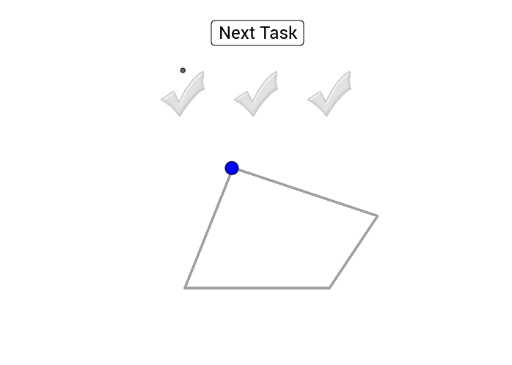
This example demonstrates the construction of a quadrilateral by dragging a blue point. It covers fundamental concepts of quadrilateral geometry and uses commands like Polygon, Intersect, and Point in GeoGebra. Suitable for middle school and above students to learn about quadrilateral properties and construction.
GeoGebra Commands & Parameters
Polygon(L, E_1, 3) → Vieleck1, f, g, h, F_1Intersect(xAxis, yAxis) → APoint(yAxis) → BCircle(A, B) → cPolyLine(L, E_1, T_1, U_1, L) → iPoint(i) → CAngle(F_1, A, C) → αLength(sectors) → nSum(sectors) → sumPolyLine(I_1, J_1, K_1, V_1, I_1) → jPoint(j) → IAngle(H, A, I) → βPolyLine(O_1, A_2, Q_1, P_1, O_1) → lPoint(l) → KAngle(J, A, K) → γSum(sectors2) → sum2Sum(sectors3) → sum3
AI Drawing Prompt Reference
Draw a quadrilateral by dragging a blue point. First, draw a quadrilateral, then a circle, and determine its endpoints. Use these points to construct angles and calculate their degrees. Finally, draw additional segments and angles related to the quadrilateral, ensuring all points and segments are correctly connected.
The prompt above was compiled from the original drawing commands and is for reference only.