
Tangram: Build the Triangle
Loading the math board and drawing, please wait…
In collections
Tangram with Geometric Figures
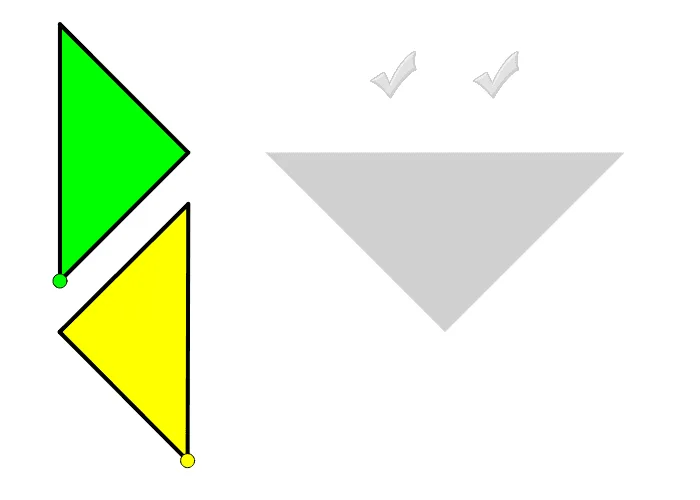
Drag smaller colored triangles to build a big triangle. This example involves rotating and translating triangles. Commands used include Point, Polygon, Segment, LineBisector, Intersect, etc. Suitable for high-grade elementary or junior high school students for geometric construction practice.
GeoGebra Commands & Parameters
Point(Circle[H, 5]) → L_1Polygon(H, L_1, 4) → poly8, k_2, l_2, m_2, n_2, M_1, N_1Point(Circle[D, 10]) → BSegment(D, B) → jLineBisector(j) → j_2Intersect(j_2, j) → RPoint(Circle[K, 5]) → G_1Segment(K, G_1) → g_2LineBisector(g_2) → kIntersect(j, k) → CCircle(R, 5) → e_2Intersect(e_2, j_2) → J, A_1Point(Circle[A, 10]) → H_1Segment(A, H_1) → h_2LineBisector(h_2) → i_2Intersect(i_2, h_2) → I_1Circle(I_1, 5) → d_2Intersect(d_2, i_2) → J_1, K_1Polygon(A, H_1, K_1) → poly1, a, b, cPolygon(B, D, J) → poly2, f, d, ePolygon(H, L_1, M_1) → poly3, g, h, iLine(D, E) → mCircle(K, 3.54) → qIntersect(q, k, 2) → NPolygon(N, K, G_1) → poly4, j_1, k_1, n_1Point(Circle[L, 3.54]) → OSegment(L, O) → lPolygon(L, O, 4) → poly5, p, r, s, t, P, QPoint(Circle[S, 5]) → TSegment(S, T) → g_1LineBisector(g_1) → h_1Circle(S, 3.54) → c_1Intersect(c_1, h_1) → U, VPolygon(S, T, V) → poly6, v, s_1, t_1Point(Circle[W, 5]) → ZSegment(W, Z) → i_1Line(F, H) → p_1OrthogonalLine(Z, i_1) → r_1Circle(Z, 2.5) → d_1Intersect(d_1, r_1) → D_1, E_1Line(E_1, i_1) → a_1Circle(Z, 3.54) → e_1Intersect(e_1, a_1, 2) → C_1Line(Z, C_1) → b_1Line(W, b_1) → f_2Intersect(f_2, a_1) → F_1Polygon(W, Z, C_1, F_1) → poly7, w_1, z_1, c_2, f_3Segment(H, L_1) → q_1Polygon(M, B_1, O_1) → poly9, o_1, m_1, b_2Midpoint(o_1) → P_1Polygon(M, O_1, P_1) → poly10, p_2, m_3, o_2Polygon(O_1, B_1, P_1) → poly11, p_3, o_3, b_3