
Drawing an Ellipse with a Rule
Loading the math board and drawing, please wait…
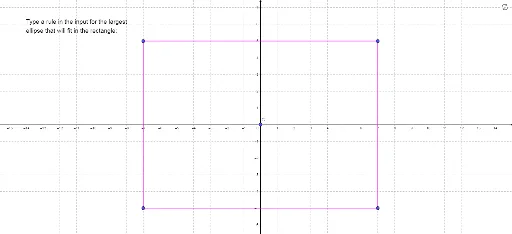
This example demonstrates how to draw an ellipse using a ruler. Key math concepts include the definition of an ellipse and geometric construction. The construction utilizes GeoGebra commands like Polygon and involves objects such as x_1, y_1, x_2, y_2, pic2_1, pic2_2, E_1, F_1, pic1_1, pic1_2, pic1_3, B'_1, C, H_1, I_1, J_1, K_1, q1_1, h_1, i_1, j_1, k_1, text1. Suitable for high school mathematics learning and geometric construction teaching.
GeoGebra Commands & Parameters
Polygon(H_1, I_1, J_1, K_1) → q1_1, h_1, i_1, j_1, k_1
AI Drawing Prompt Reference
Draw an ellipse using a ruler. First, locate two foci F1 and F2. Then, construct a triangle using F1, F2, and a point P. Next, draw a line segment between F1 and F2, and draw two more line segments from P to the endpoints of the first segment, ensuring their combined length equals the length of F1F2. Finally, move point P to trace the ellipse.
The prompt above was compiled from the original drawing commands and is for reference only.