
Drawing a Circle by Jennifer Silverman
Loading the math board and drawing, please wait…
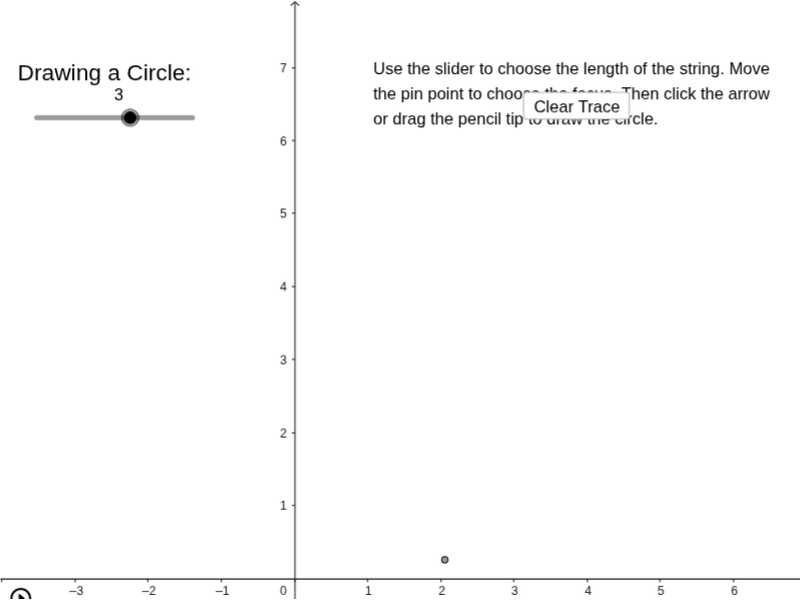
This example demonstrates the construction of a circle using a pin, string, and pen. It involves core mathematical concepts such as geometric construction, the definition of a circle, and its basic elements. The construction uses GeoGebra commands and objects like Point, Segment, Circle, and Angle. It is suitable for middle school students and above, and for educational purposes to understand circle construction methods.
GeoGebra Commands & Parameters
Point(Circle[A, a]) → BSegment(A, B) → bCircle(A, B) → cPoint(c) → B'Angle(B, A, B') → βSegment(A, B') → eCircle(A, a) → f
AI Drawing Prompt Reference
Draw a circle constructed with a pin, string, and pen to demonstrate the basic elements and definition of a circle. Start by identifying a point as the center, then connect the center to a point on the circumference to form a radius. Use this radius to draw the initial circle. Next, draw a line segment from the center to the intersection point of the new circle with the original circle, and use this segment as a radius to draw another circle. Finally, connect the center to the intersection point of the new circle, showing the angles and segments that complete the circle's construction.
The prompt above was compiled from the original drawing commands and is for reference only.