
Draw Two Circles
Loading the math board and drawing, please wait…
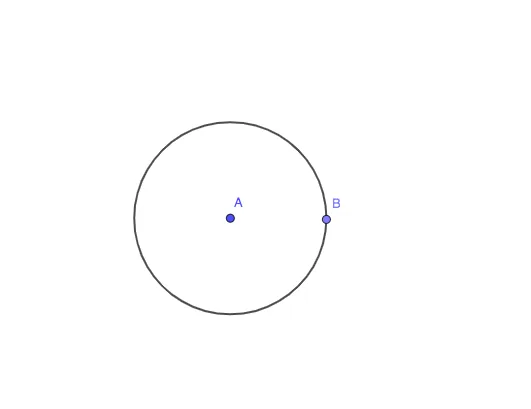
This example demonstrates how to draw two circles using GeoGebra. Key mathematical concepts include the properties of circles and geometric construction. Using commands like Circle, Point, and Segment, two circles are constructed. Suitable for students at the junior high school level and above.
GeoGebra Commands & Parameters
Circle(A, 5) → cPoint(c) → BSegment(A, B) → fCircle(A, B) → d
AI Drawing Prompt Reference
Start by drawing a circle with a given center and a radius of 5 units. Then pick a point on this circle and connect it to the center with a line segment. Using this segment's length as the new radius, draw a second circle with the same center. The final figure shows two concentric circles, where the second circle passes through the point chosen on the first circle, and the radii are different.
The prompt above was compiled from the original drawing commands and is for reference only.