
Draw Parallel Line
Loading the math board and drawing, please wait…
This example demonstrates how to draw parallel lines in GeoGebra; core math concepts include geometric construction, straight line equations, and properties of parallel lines; construction highlights involve commands/objects like Line, Point, Circle, Intersect, Segment from the summary; suitable for middle school and high school students learning geometric constructions and analytical geometry.
GeoGebra Commands & Parameters
Line(A, B_2) → cPoint(c) → BCircle(A, Segment[A, B]) → circle1Intersect(circle1, c) → B_1, C_1Line(sdfdsf, afdfgfs) → aLine(sfdgsdfg, dfgsdfg) → bCircle(B, Segment[A, B]) → circle2Intersect(circle1, circle2, 1) → D_2Circle(C_1, A) → circle3Intersect(circle1, circle3, 2) → D_1Intersect(circle1, circle2, 1) → E_1Segment(D_1, E_1) → zAnswer_1Line(D_2, D_1) → zAnswerCircle(A, B) → dCircle(B, A) → eIntersect(d, c, 2) → CCircle(C, A) → fIntersect(d, e, 2) → DIntersect(d, f, 1) → ELine(D, E) → gCircle(A, B) → hCircle(B, A) → kIntersect(h, c, 2) → FCircle(F, A) → p
AI Drawing Prompt Reference
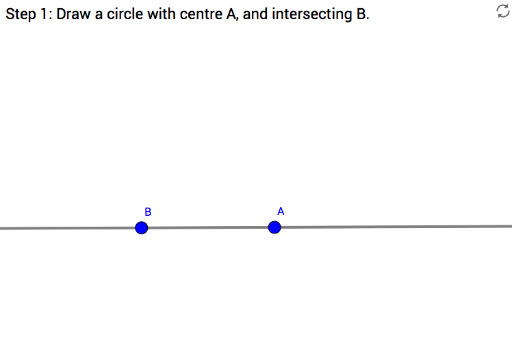
First draw a base line and pick a point on it, then choose a point off the line as a center; using the distance between the two points as radius, draw circles centered at each point. The intersections of these circles with the base line form vertices of equilateral triangles. Next, with those vertices as centers and the same radius, draw more circles and connect the appropriate intersection points; the resulting line passes through the given off‑line point and is parallel to the original line.
The prompt above was compiled from the original drawing commands and is for reference only.