
Drag Test Triangle: Dynamic Geometry Exploration
Loading the math board and drawing, please wait…
In collections
Constructions 1 - Equilateral Triangles
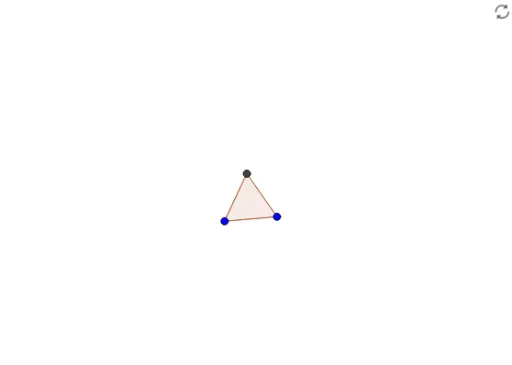
① This example demonstrates a triangle with draggable vertices for dynamic testing, allowing users to observe changes in the triangle and related geometric objects as vertices are moved. ② Core mathematical concepts include fundamental properties of triangles, dynamic coordinate relationships of polygon vertices, and applications of 2D/3D vectors in geometric construction, with extensions to quadratic functions and expected values. ③ Construction highlights: uses the GeoGebra Polygon command to create the triangle, involving objects B, A, C as vertices, poly1 as the polygon, f, g, h as sides or auxiliary lines, and D as an additional point, enabling interactive dragging for testing. ④ Suitable for middle/high school geometry teaching, dynamic demonstrations of triangle properties, or as an introductory example for designing interactive GeoGebra worksheets, helping students intuitively understand dependencies among geometric objects.
GeoGebra Commands & Parameters
Polygon(A, C, 3) → poly1, f, g, h, D
AI Drawing Prompt Reference
Draw a dynamic triangle with draggable vertices for geometric exploration. Start by placing three vertices, with two fixed and one movable to alter the triangle's shape. Connect the vertices with line segments to form the triangle, and display all three sides. Add an auxiliary point inside or on the triangle that updates as the vertices move. The figure should clearly show how vertex coordinates affect the triangle's form, suitable for middle school geometry teaching to illustrate triangle properties and point-polygon relationships.
The prompt above was compiled from the original drawing commands and is for reference only.