
Drag 3 Points to the Line (w/ Initial Value and Fractions)
Loading the math board and drawing, please wait…
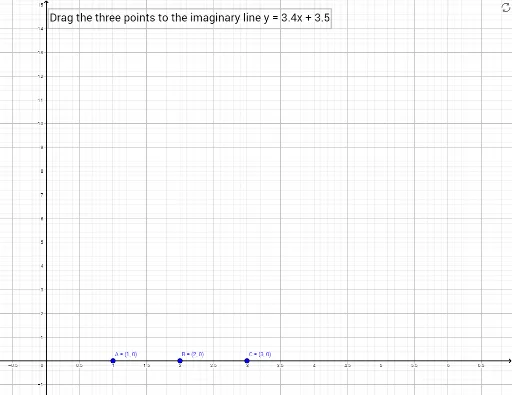
This example demonstrates how to determine a line by dragging three points, integrating concepts of coordinate geometry, vectors, geometric constructions, fractions, matrices, parallelograms, circumcircle, bar charts, and 3D solids. Core math concepts include coordinate geometry, vectors, geometric constructions, fraction operations, and matrix applications. Construction highlights involve using the Line command with objects like a, b, A, D, E, f, solvedA, B, C, solvedB, solvedC, checkAB, checkBC, checkAC, correct, text1, and dynamic sliders for interactive exploration. Suitable for high school mathematics teaching, focusing on analytical geometry, vector and geometric integration.
GeoGebra Commands & Parameters
Line(D, E) → f
AI Drawing Prompt Reference
Draw a line determined by dragging three points, demonstrating concepts of coordinate geometry, vectors, and geometric constructions, incorporating fractions, matrices, parallelograms, circumcircle, bar charts, and 3D solids, with interactive exploration via dynamic sliders.
The prompt above was compiled from the original drawing commands and is for reference only.