
Dr. Fisher's Exponents Game Level 3
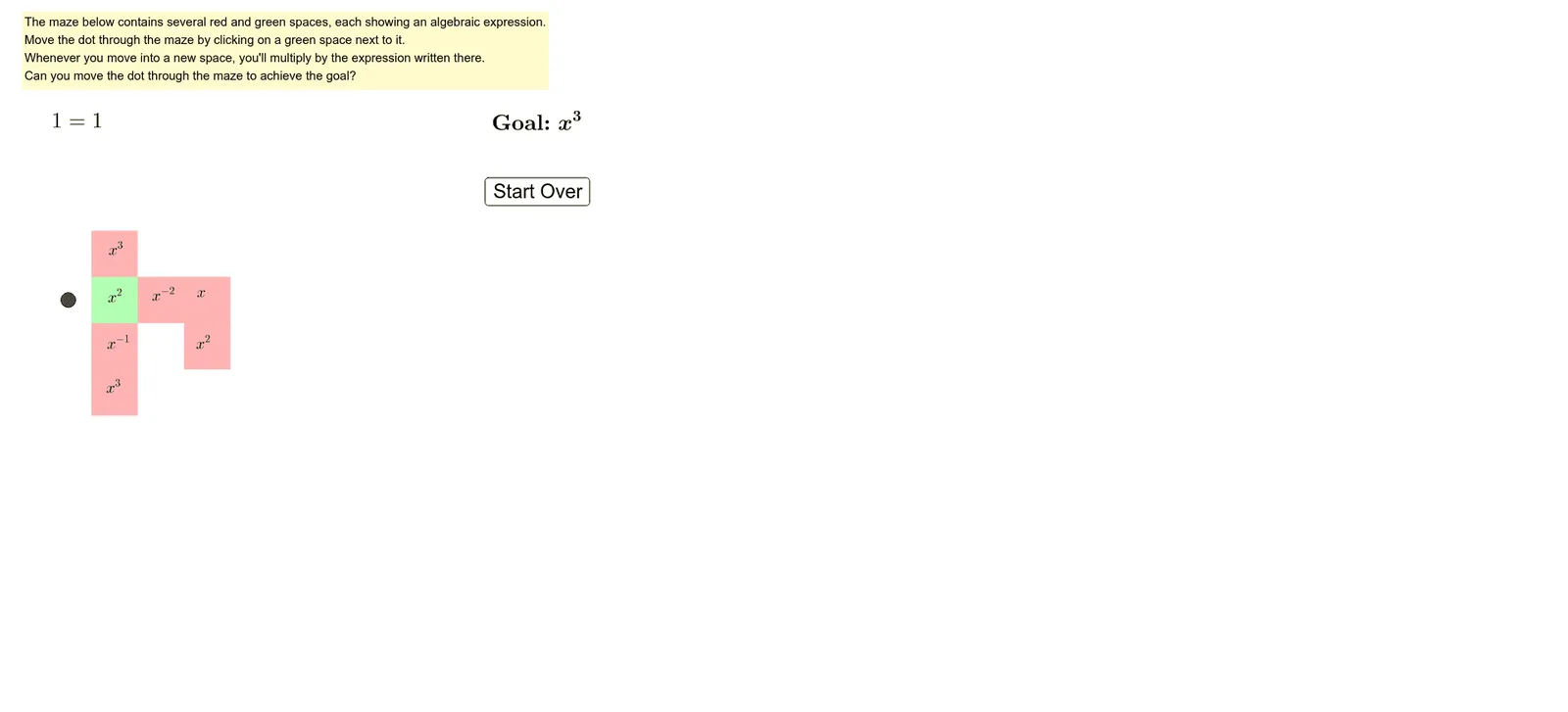
Loading the math board and drawing, please wait…
This example demonstrates the interaction between exponent operations and geometric shapes, dynamically showing how changes in exponents affect the shape of the figure. Core mathematical concepts include exponent operations, curve sketching, dilation, polygon construction, triangle properties, and intersection solving. Key construction points use GeoGebra commands like Intersect, Polygon, and Point, with sliders to dynamically adjust parameters and observe the impact of exponent changes on intersection points and figure shapes. Suitable for high school mathematics teaching to understand the geometric meaning of exponential functions and the effect of parameter changes on figures.
GeoGebra Commands & Parameters
Intersect(xAxis, yAxis) → APolygon(A, B, C, D) → polyA6, a, b, c, dPoint(yAxis) → FPolygon(D, C, E, F) → polyA5, d_1, c_1, e, fPoint(yAxis) → HPolygon(F, E, G, H) → polyA4, f_1, e_1, g, hPoint(yAxis) → JPolygon(J, I, K, L) → polyA2, j_1, i_1, k, lPolygon(L, K, M, N) → polyA1, l_1, k_1, m, nPolygon(B, O, P, C) → polyB6, b_1, o, p, c_2Polygon(C, P, Q, E) → polyB5, c_3, p_1, q, e_2Polygon(E, Q, R, G) → polyB4, e_3, q_1, r, g_2Polygon(G, R, S, I) → polyB3, g_3, r_1, s, i_2Polygon(I, S, T, K) → polyB2, i_3, s_1, t, k_2Polygon(K, T, U, M) → polyB1, k_3, t_1, u, m_1Point(xAxis) → VPolygon(O, V, W, P) → polyC6, o_1, v, w, p_2Polygon(P, W, Z, Q) → polyC5, p_3, w_1, z_1, q_2Polygon(Q, Z, A_1, R) → polyC4, q_3, z_2, a_1, r_2Polygon(R, A_1, B_1, S) → polyC3, r_3, a_2, b_2, s_2Polygon(S, B_1, C_1, T) → polyC2, s_3, b_3, c_4, t_2Polygon(T, C_1, D_1, U) → polyC1, t_3, c_5, d_2, u_1Point(xAxis) → E_1Polygon(V, E_1, F_1, W) → polyD6, v_1, e_4, f_2, w_2Polygon(W, F_1, G_1, Z) → polyD5, w_3, f_3, g_4, z_3Polygon(Z, G_1, H_1, A_1) → polyD4, z_4, g_5, h_2, a_3Polygon(A_1, H_1, I_1, B_1) → polyD3, a_4, h_3, i_4, b_4Polygon(B_1, I_1, J_1, C_1) → polyD2, b_5, i_5, j_2, c_6Polygon(C_1, J_1, K_1, D_1) → polyD1, c_7, j_3, k_4, d_3Point(xAxis) → L_1Polygon(E_1, L_1, M_1, F_1) → polyE6, e_5, l_2, m_2, f_4Polygon(F_1, M_1, N_1, G_1) → polyE5, f_5, m_3, n_1, g_6Polygon(G_1, N_1, O_1, H_1) → polyE4, g_7, n_2, o_2, h_4Polygon(H_1, O_1, P_1, I_1) → polyE3, h_5, o_3, p_4, i_6Polygon(I_1, P_1, Q_1, J_1) → polyE2, i_7, p_5, q_4, j_4Polygon(J_1, Q_1, R_1, K_1) → polyE1, j_5, q_5, r_4, k_5Point(xAxis) → S_1Polygon(L_1, S_1, T_1, M_1) → polyF6, l_3, s_4, t_4, m_4Polygon(M_1, T_1, U_1, N_1) → polyF5, m_5, t_5, u_2, n_3Polygon(N_1, U_1, V_1, O_1) → polyF4, n_4, u_3, v_2, o_4Polygon(O_1, V_1, W_1, P_1) → polyF3, o_5, v_3, w_4, p_6Polygon(P_1, W_1, Z_1, Q_1) → polyF2, p_7, w_5, z_5, q_6Polygon(Q_1, Z_1, A_2, R_1) → polyF1, q_7, z_6, a_5, r_5