
Division and Grouping with Known Portions
Loading the math board and drawing, please wait…
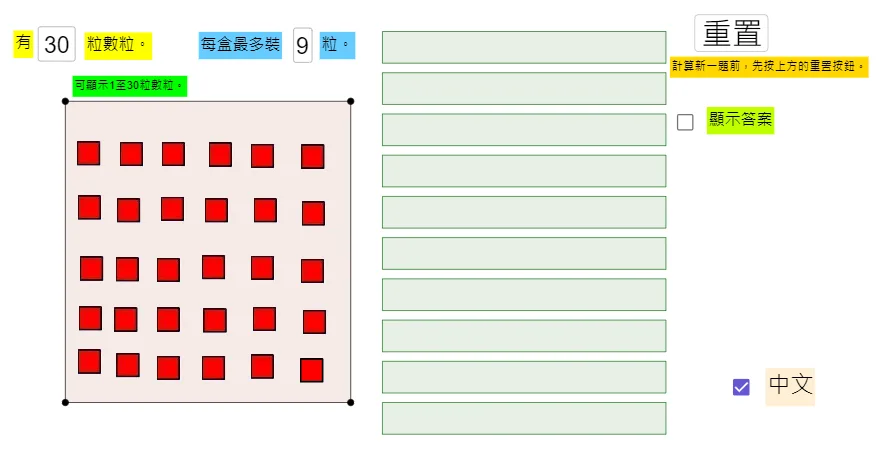
This example demonstrates how to distribute a total number of items into several groups with known portions, visualizing the grouping process. Core mathematical concepts include division, modulus operation, sequences, and conditional statements. GeoGebra commands and objects like Textfield, Div, Mod, Polygon, If, and Sequence are used to dynamically adjust the number of groups and total items, with polygons illustrating the grouping visually. Suitable for upper elementary or lower middle school students learning division, sequences, and data processing concepts.
GeoGebra Commands & Parameters
Textfield(divid) → InputBox1DividCTextfield(div) → InputBox2DivCDiv(divid, div) → QuMod(divid, div) → RePolygon(RegCo1, RegCo2, RegCo3, RegCo4) → RegionOne, SegOneS1, SegOneS2, SegOneS3, SegOneS4If(ShowChi, "中文", "Eng") → TextLanguageIf(ShowChi, "顯示答案", "Show Answer") → TextShowAnsIf(ShowChi, "計算新一題前,先按上方的重置按鈕。", "Press the above button for resetting.") → TextResetIf(ShowChi, "可顯示1至30粒數粒。", "It can display 1 to 30 squares.") → Text5Sequence(Polygon[Co + (0, ((BoxHeight + BoxSpacing) * k)), Co + (0, ((BoxHeight + BoxSpacing) * k) + BoxHeight), Co + (BoxWidth, ((BoxHeight + BoxSpacing) * k) + BoxHeight), Co + (BoxWidth, ((BoxHeight + BoxSpacing) * k))], k, 0, 9) → listBox