
Divisibility Tests Review
Loading the math board and drawing, please wait…
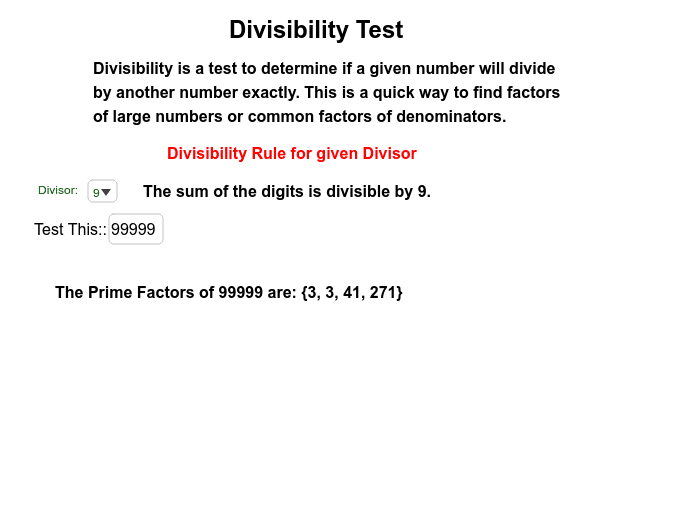
This example demonstrates how to dynamically show divisibility test rules, including LCD, GCF, and arithmetic shortcuts using GeoGebra. It involves core concepts like divisibility, factorization, modulo operation, and conditional logic. Key GeoGebra commands and objects used include Element, Textfield, SelectedElement, Mod, If, PrimeFactors, and Factors to automatically evaluate and display rules based on input numbers. Suitable for middle school and above mathematics learners to understand and apply divisibility tests.
GeoGebra Commands & Parameters
Element(ruleList, SelectedIndex[divisorList]) → posTextfield(testNo) → inputBox1SelectedElement(divisorList) → divideMod(testNo, divide) → ans1If(ans1 ≟ 0, true, false) → ansPrimeFactors(testNo) → testFactorsFactors(testNo) → allFactors
AI Drawing Prompt Reference
Display a dynamic illustration with an input box for entering numbers and a list to select divisors. Show whether the input number is divisible by the selected divisor, and dynamically display the prime factorization and all factors of the number, with conditional logic illustrating divisibility rules.
The prompt above was compiled from the original drawing commands and is for reference only.