
Dividing a Line Segment by Laura Breidenstein
Loading the math board and drawing, please wait…
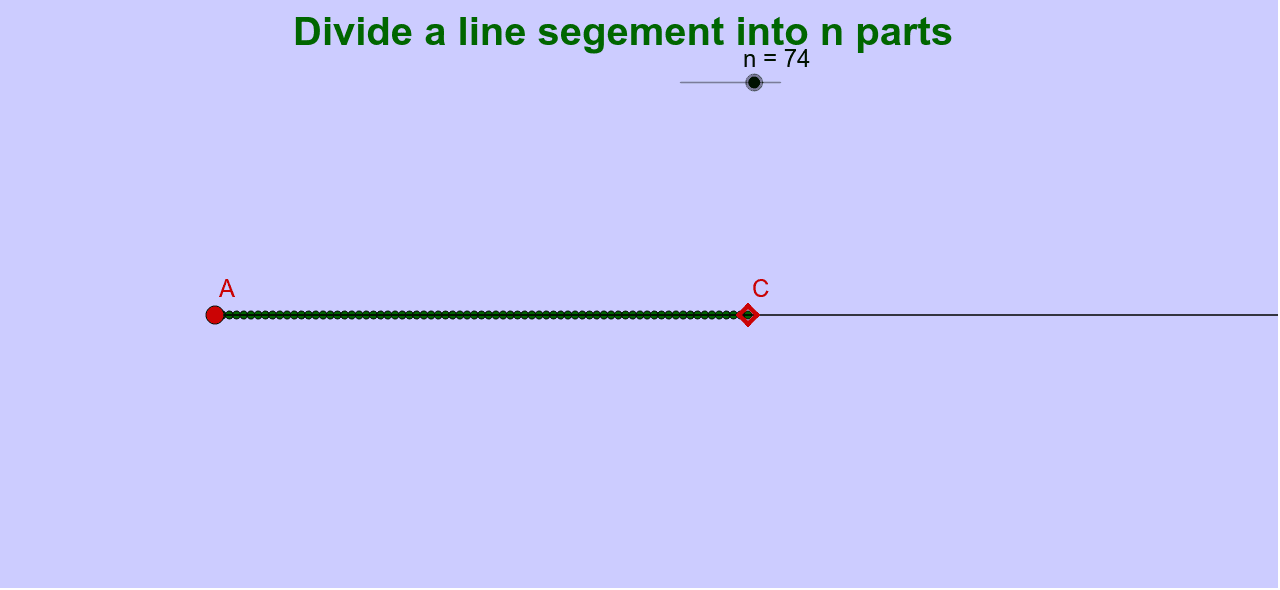
This example demonstrates how to divide a line segment into a given ratio, illustrating the representation of fractions on a number line. It uses commands such as Intersect, Ray, Distance, and Sequence. Suitable for middle school and above students learning geometric construction.
GeoGebra Commands & Parameters
Intersect(yAxis, xAxis) → APoint(xAxis) → BRay(A, B) → aPoint(a) → CDistance(A, C) → dSequence((p * i, 0), i, 1, n) → list1
AI Drawing Prompt Reference
Draw a horizontal line segment from left endpoint to right endpoint. Mark a point on the segment to represent the division point. Connect the division point to the left endpoint to form a ray. Calculate the distance from the division point to the left endpoint and use it as a ratio. On the number line, use a sequence to mark points, showing the ratio between the division point and the endpoints.
The prompt above was compiled from the original drawing commands and is for reference only.