
Distance from a point to a line (without vectors)
Loading the math board and drawing, please wait…
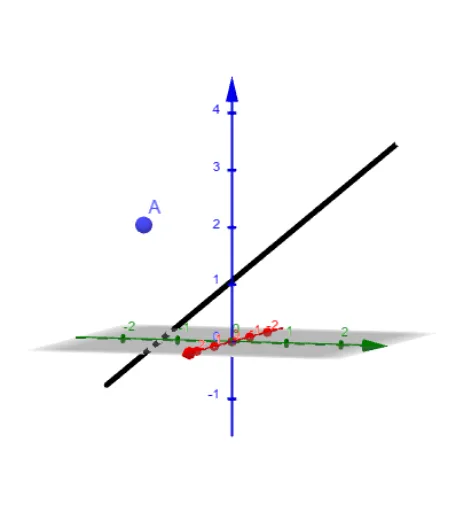
This example demonstrates how to calculate the distance from a point to a line by constructing auxiliary points, segments, and triangles without using vectors. Key math concepts include the distance formula from a point to a line, triangle similarity, and the Pythagorean theorem. Construction highlights involve using the Line command and objects like A, B1, C1, D1, g. Suitable for high school students learning analytical geometry and geometric constructions.
GeoGebra Commands & Parameters
Line(B1, D1) → g
AI Drawing Prompt Reference
Draw a line segment and a point at one end of the segment. Then, draw a perpendicular line from the point to the line containing the segment, marking the foot of the perpendicular as another point. Connect this foot to the other end of the segment to form a triangle, demonstrating that the length of the perpendicular segment is the distance from the point to the line through construction of auxiliary points and segments.
The prompt above was compiled from the original drawing commands and is for reference only.