
Distance Formula
Loading the math board and drawing, please wait…
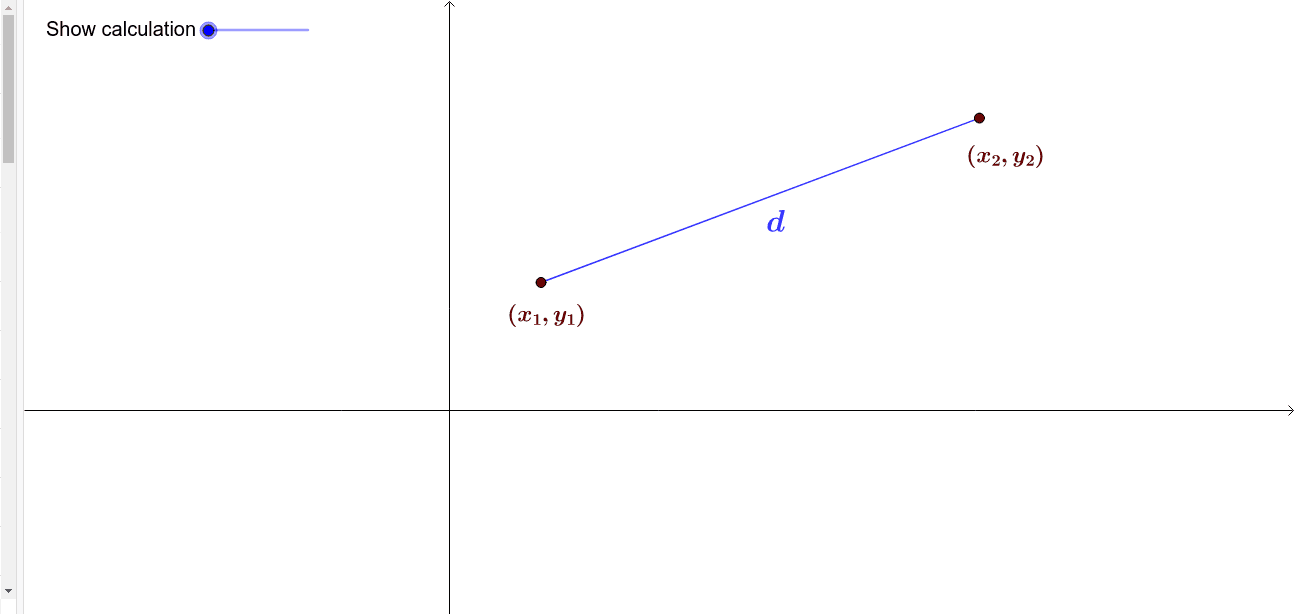
This example demonstrates deriving the distance formula through geometric construction. Key mathematical concepts include the distance calculation between points in coordinate geometry. It uses Segment, Polygon, Midpoint, Angle, and other GeoGebra commands. Suitable for middle school and above students to learn geometry and algebra.
GeoGebra Commands & Parameters
Segment(A, D) → RiseVecPolygon(A, D, B) → TriangleArea, b, a_1, dMidpoint(A, D) → RiseMidMidpoint(B, D) → RunMidSegment(A, B) → cSegment(A, (x(A), 0)) → hSegment(B, (x(B), 0)) → iSegment(B, (0, y(B))) → jSegment(A, (0, y(A))) → kMidpoint(c) → HAngle(A, D, B) → αSegment(D, B) → RunVec
AI Drawing Prompt Reference
Draw a triangle ABD in a coordinate plane, with A and B as points on the plane and D as the midpoint of AB. Construct line segments AD and BD, then construct line segment AB. Next, construct perpendiculars from A and B to the x-axis and y-axis, and find the feet of the perpendiculars H. Finally, measure the angle ADB.
The prompt above was compiled from the original drawing commands and is for reference only.