
Directed Numbers Addition
Loading the math board and drawing, please wait…
In collections
Directed Numbers
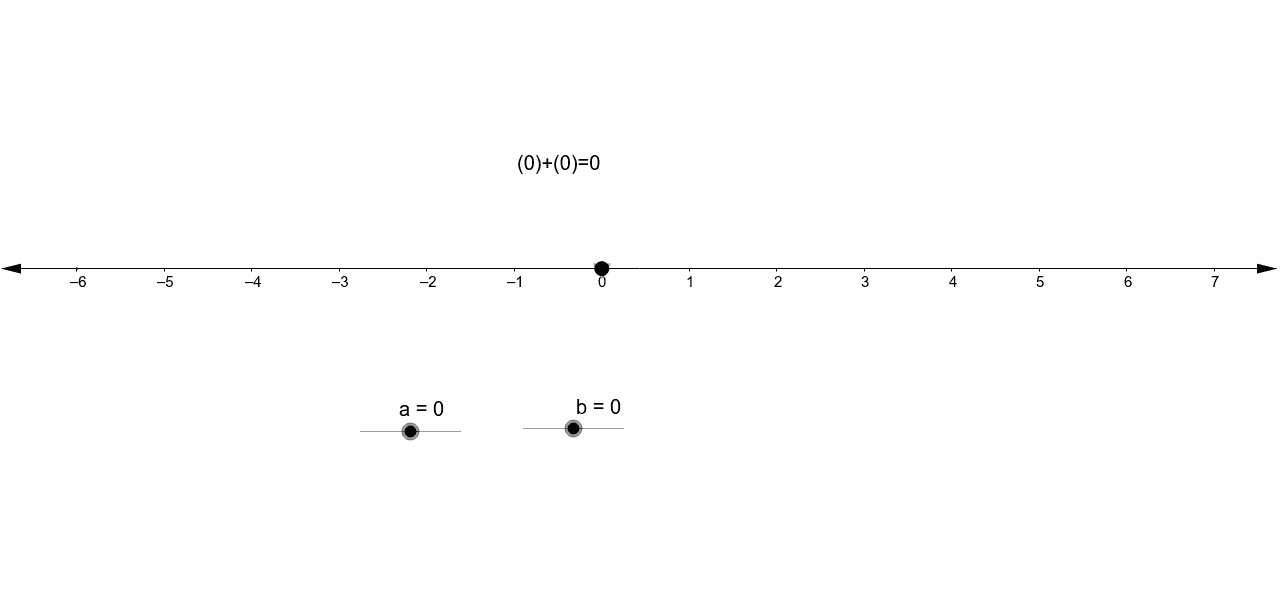
This example demonstrates the process and geometric interpretation of addition with directed numbers (positive and negative numbers). Key math concepts include directed numbers, number line, and addition rules. Construction highlights involve using Point and If commands, with objects like points b, a, A, B, lists list1, list2, list1_2, list2_1, point c, and text1. Suitable for middle school mathematics teaching to visually aid students in understanding directed number addition operations.
GeoGebra Commands & Parameters
Point(xAxis) → APoint(xAxis) → BIf(b < 0, Sequence[(a - n, 0), n, 0, -b], Sequence[(a + n, 0), n, 0, b]) → list1If(b > 0, Sequence[Semicircle[Element[list1, n], Element[list1, n + 1]], n, 1, abs(b)], Sequence[Semicircle[Element[list1, n + 1], Element[list1, n]], n, 1, abs(b)]) → list2If(a < 0, Sequence[(-n, 0), n, 0, -a], Sequence[(n, 0), n, 0, a]) → list1_2If(a > 0, Sequence[Semicircle[Element[list1_2, n], Element[list1_2, n + 1]], n, 1, abs(a)], Sequence[Semicircle[Element[list1_2, n + 1], Element[list1_2, n]], n, 1, abs(a)]) → list2_1
AI Drawing Prompt Reference
Visualize the addition of directed numbers on a coordinate plane by plotting two points on the x-axis, generating two sequences of points based on the sign and magnitude of two numbers, connecting them with semicircles to show the direction and length, and forming complete paths to illustrate the addition process.
The prompt above was compiled from the original drawing commands and is for reference only.