
Directed Numbers Addition Practice
Loading the math board and drawing, please wait…
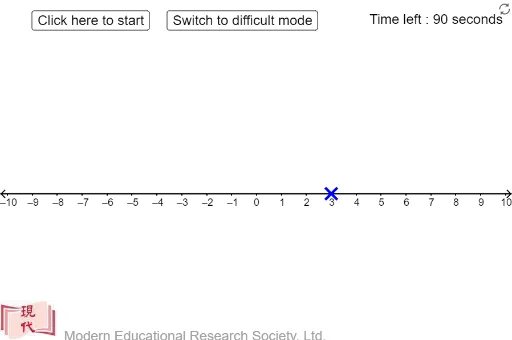
This example demonstrates the process of adding directed numbers (positive and negative numbers). It involves core mathematical concepts such as the definition of directed numbers, addition rules, and their representation on a number line. The construction uses GeoGebra commands and objects like Point, Sequence, If, Corner to visually illustrate addition operations. Suitable for middle school mathematics teaching, helping students understand and master the addition of directed numbers.
GeoGebra Commands & Parameters
Point(xAxis) → BSequence(Semicircle[(((k - 1 + x(A)) * dis), 0.1), (((k + x(A)) * dis), 0.1)], k, 1, Div[x(B) - x(A), dis]) → l1Sequence(Semicircle[(((x(A) - k) * dis), 0.1), (((x(A) + 1 - k) * dis), 0.1)], k, 1, Div[x(A) - x(B), dis]) → l3If(x(B) - x(A) > 0, "+", "") → sign2If(x(B) - x(A) < 0, "+", "") → sign3If(x(A) > 0, "+", "") → signaIf(x(B) - x(A) > 0, "+", "") → signbaIf(x(B) > x(A), "+", "-") → op2If(x(B) > 0, "+", "") → signbSequence(Vector[(((k + x(A) - 0.05) * dis), 0.3), (((k + x(A)) * dis), 0.1)], k, 1, Div[x(B) - x(A), dis]) → l2Sequence(Vector[(((x(A) - k + 0.05) * dis), 0.3), (((x(A) - k) * dis), 0.1)], k, 1, Div[x(A) - x(B), dis]) → l4Corner(1) → CIf(num0 > 0, "+", "") → sign0If(num1 > 0, "+", "") → sign1
AI Drawing Prompt Reference
Draw a horizontal line in a coordinate system to represent a number line, mark two points on the line for the initial and target positions, use semicircles and vectors to sequentially show the movement process from the initial to the target position, including both forward and backward movements, and label the positive and negative directions with different symbols to demonstrate the addition of rational numbers.
The prompt above was compiled from the original drawing commands and is for reference only.