
Difference of Two Line Segments by hrawson20 (4)
Loading the math board and drawing, please wait…
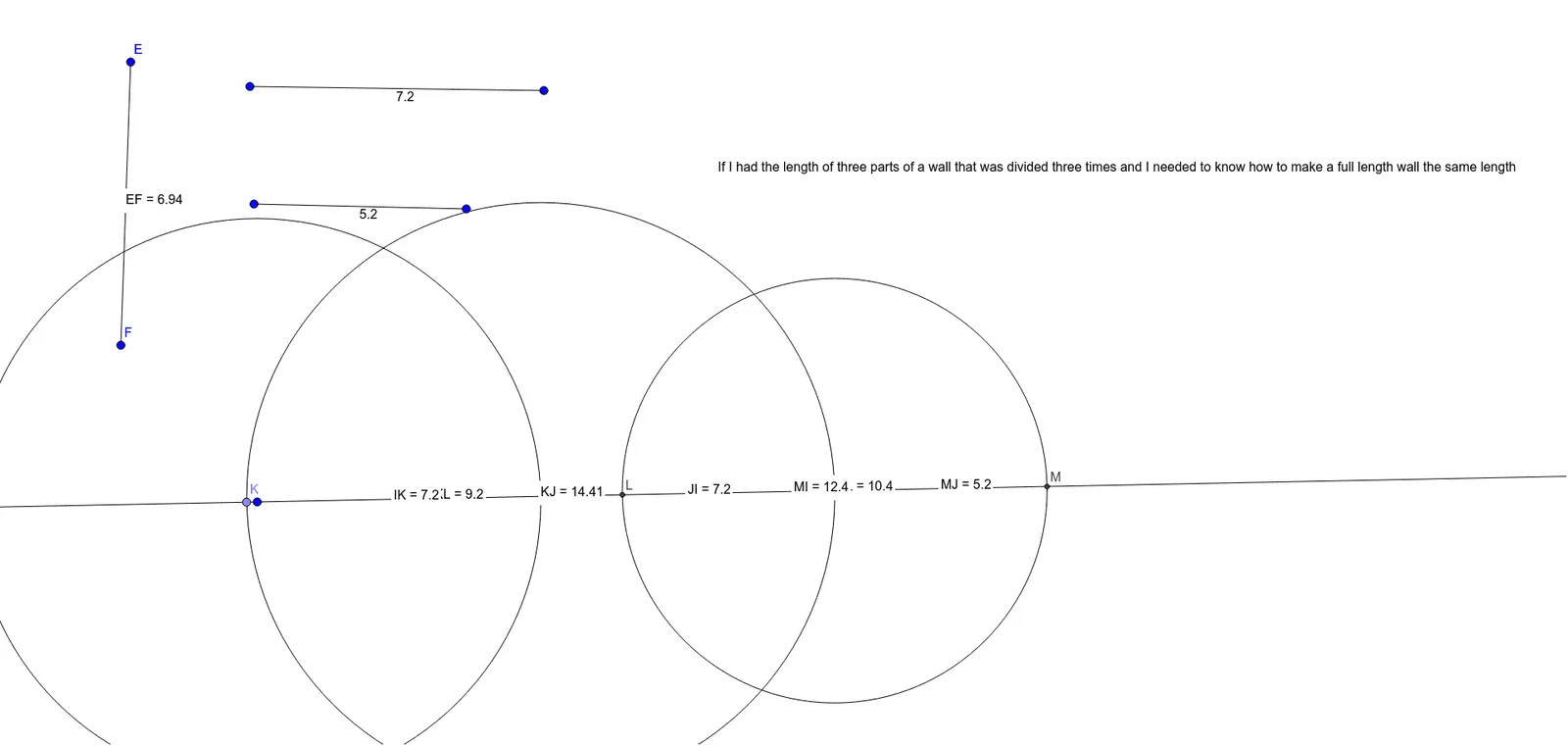
This example demonstrates the difference between two line segments, visually showing how changes in length and position affect the difference. Core mathematical concepts include segment length calculation, distance formula, midpoint coordinates, and geometric construction. Key GeoGebra commands used are Segment, Line, Circle, Intersect, Distance, Point, and Midpoint to create segments, calculate distances, and display results. Suitable for high school mathematics teaching, focusing on line segment relationships and distance problems in analytical geometry.
GeoGebra Commands & Parameters
Segment(A, B) → fSegment(C, D) → gSegment(E, F) → hLine(G, H) → iCircle(G, Segment[E, F]) → cIntersect(c, i, 2) → ICircle(I, Segment[A, B]) → dIntersect(d, i, 2) → JCircle(J, Segment[D, C]) → eDistance(J, I) → distanceJIDistance(E, F) → distanceEFPoint(i) → KDistance(K, I) → distanceKIMidpoint(K, I) →Distance(K, J) → distanceKJMidpoint(K, J) →Intersect(e, i, 1) → LDistance(K, L) → distanceKLMidpoint(K, L) →Distance(I, K) → distanceIKMidpoint(I, K) →Intersect(e, i, 2) → MDistance(M, J) → distanceMJMidpoint(M, J) →Distance(M, L) → distanceMLMidpoint(M, L) →Distance(M, I) → distanceMIMidpoint(M, I) →