
Deriving Triangle Area Formula in Coordinate Geometry
Loading the math board and drawing, please wait…
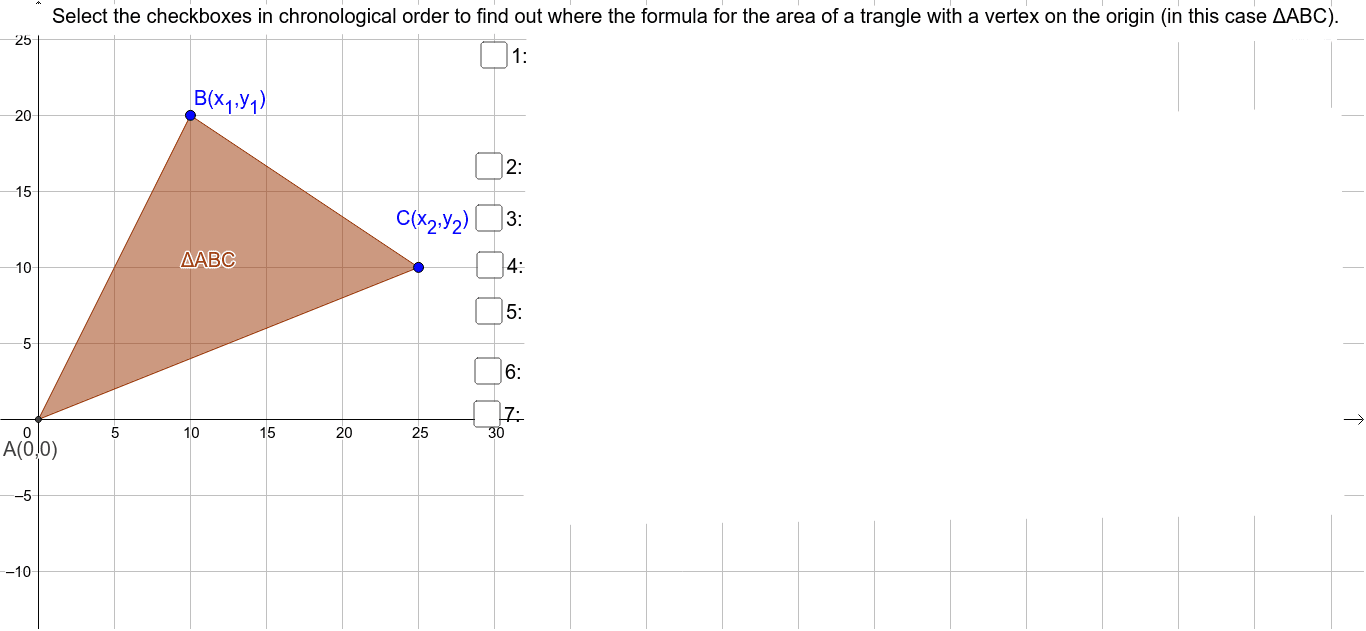
This example demonstrates how to derive the area formula for a triangle using coordinate geometry methods. It involves core math concepts like coordinate points, line segments, polygons, matrix operations, and linear equations. Key GeoGebra commands used in the construction include Intersect, Polygon, Point, and Segment. Suitable for high school students and learners needing to understand analytical geometry approaches.
GeoGebra Commands & Parameters
Intersect(xAxis, yAxis) → APolygon(A, B, C) → poly1, c, a, bPoint(xAxis) → EPoint(xAxis) → DPolygon(A, B, E) → poly2, d, a_1, b_1Polygon(B, C, D, E) → poly3, b_2, c_1, e, d_1Polygon(A, C, D) → poly4, e_1, a_2, c_2Polygon(M, N, W, Z, A_1, B_1, O, P, Q, R, S, T, U, V) → poly5, m_1, v, w, z_1, a_3, b_3, n_1, o_1, p_1, q, r, s, t, uSegment(E, B) → f_1Segment(A, E) → g_1Segment(E, D) → h_1Segment(D, C) → i_1Segment(A, D) → j_1
AI Drawing Prompt Reference
Draw triangle ABC and construct another triangle using points A, B, and C. Then, add points D and E on the x-axis and construct triangles ABE, BCDE, and ACD. Finally, connect the segments between the points to observe how the area formula for a triangle is derived using coordinate geometry methods.
The prompt above was compiled from the original drawing commands and is for reference only.