
Demonstrating Area of a Rhombus
Loading the math board and drawing, please wait…
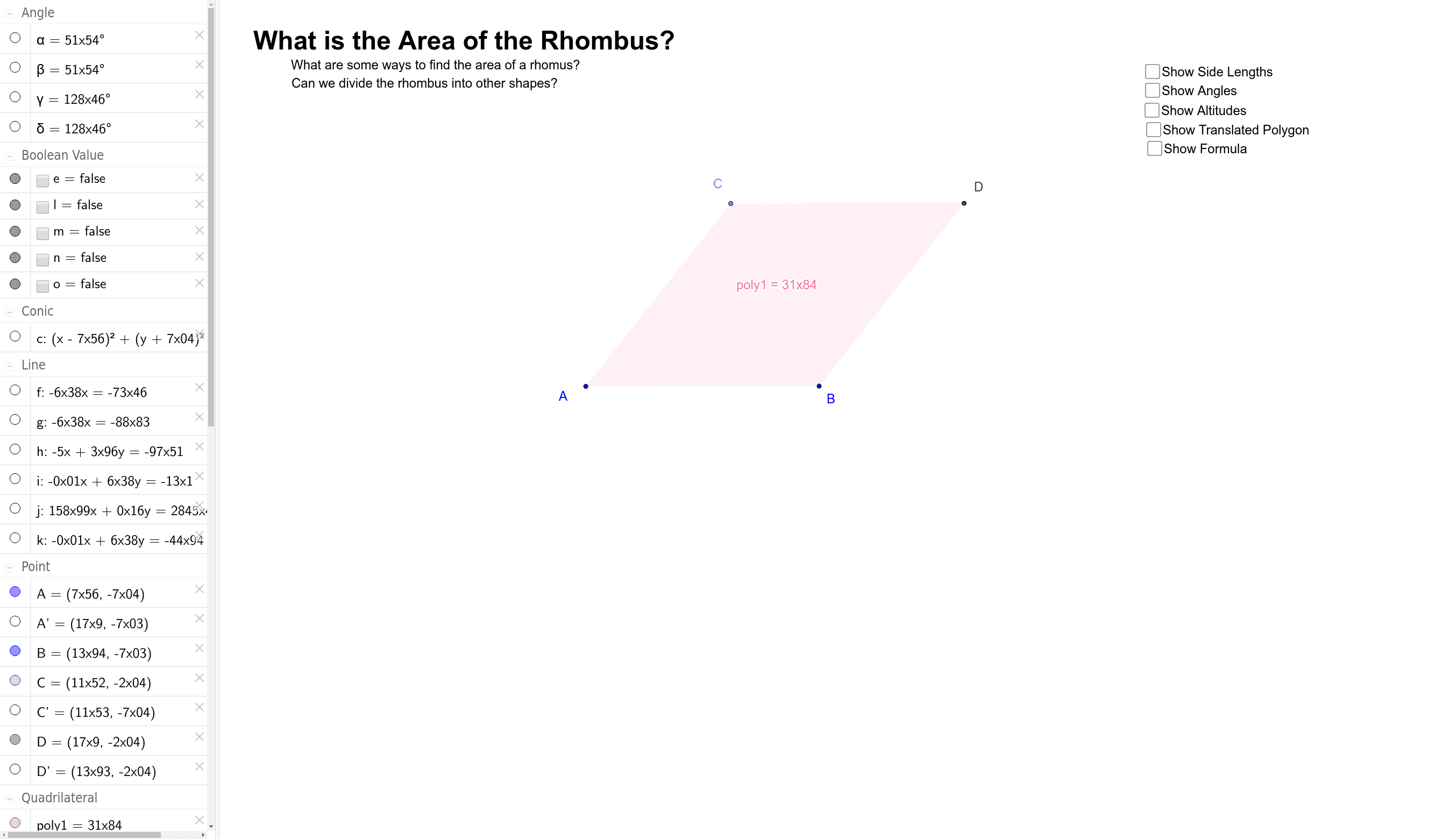
This example demonstrates how to calculate the area of a rhombus by constructing its altitude and base. Key math concepts include the geometric properties of a rhombus, area formulas, and integral calculus. Construction highlights involve using GeoGebra commands such as Segment, Circle, Point, Line, Intersect, Polygon, OrthogonalLine, and Angle to build the rhombus and related elements. Suitable for high school mathematics education to understand the calculation methods and geometric significance of the rhombus area.
GeoGebra Commands & Parameters
Segment(A, B) → ABCircle(A, B) → cPoint(c) → CSegment(A, C) → ACLine(B, AC) → hLine(C, AB) → iIntersect(h, i) → DSegment(C, D) → CDSegment(B, D) → BDPolygon(A, B, D, C) → poly1, a, b, d, c_1OrthogonalLine(C, CD) → fIntersect(f, AB) → C'OrthogonalLine(B, AB) → gIntersect(g, CD) → D'Segment(D', B) → Altitude_2Segment(C', C) → Altitude_1Line(D, Altitude_2) → jLine(B, CD) → kIntersect(j, k) → A'Segment(B, A') → TranslatedAC'Segment(D, A') → TranslatedCC'Segment(A, C') → AC'Polygon(C, C', A', D) → poly2, c_2, c', a', d_1Angle(C, D, B) → αAngle(B, A, C) → βAngle(A, C, D) → γAngle(D, B, A) → δ
AI Drawing Prompt Reference
Draw a rhombus ABCD with AB and CD as opposite sides and AD and BC as adjacent sides. Draw a segment AB, and a circle with A and B as the diameter, which intersects AB at point C. Draw segment AC, and draw a perpendicular line h from B to AC, and a perpendicular line i from C to AB, with their intersection being point D. Draw the rhombus ABCD, and draw a perpendicular line f from C to CD, which intersects AB at C', and a perpendicular line g from B to AB, which intersects CD at D'. Draw segment D'D and C'C, and connect C' and A' to form rhombus C'C'D'A', and calculate angles α, β, γ, and δ.
The prompt above was compiled from the original drawing commands and is for reference only.