
Definite Integral - Area Under Curve
Loading the math board and drawing, please wait…
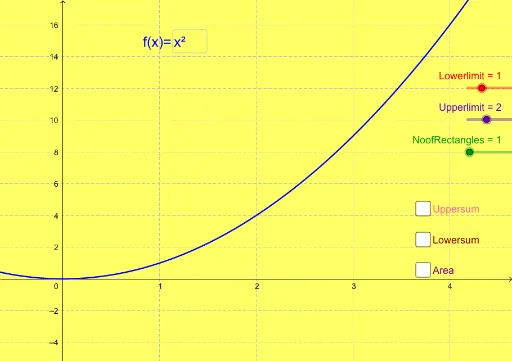
This example demonstrates the concept of definite integral, which calculates the area under a curve. Key mathematical concepts include integration, area calculation, and geometric interpretation. Construction involves GeoGebra commands such as LowerSum, UpperSum, Integral, and LaTeX. Suitable for high school students or early university students learning calculus.
GeoGebra Commands & Parameters
Textfield(f) → inputBox1LowerSum(f, Lowerlimit, Upperlimit, NoofRectangles) → LowersumUpperSum(f, Lowerlimit, Upperlimit, NoofRectangles) → UppersumIntegral(f, Lowerlimit, Upperlimit) → AreaLaTeX(Area, true, true) → text1LaTeX(Lowersum, true, true) → text2LaTeX(Uppersum, true, true) → text3Name(Lowerlimit) → A1_1Name(Lowerlimit) → A1Name(Upperlimit) → B1_1Name(Upperlimit) → B1
AI Drawing Prompt Reference
Create a mathematical diagram illustrating the definite integral concept. Include a function curve, with the area under the curve between lower and upper limits shaded to represent the integral area. Show rectangular approximations for the lower sum and upper sum, using distinct colors or styles. Add text labels displaying the integral area value, lower sum value, and upper sum value. The construction order: first plot the curve, then set the limits, followed by the rectangular approximations, and finally the area calculation and text labels.
The prompt above was compiled from the original drawing commands and is for reference only.