
Cylinder Volume by Lindsay Raybourn
Loading the math board and drawing, please wait…
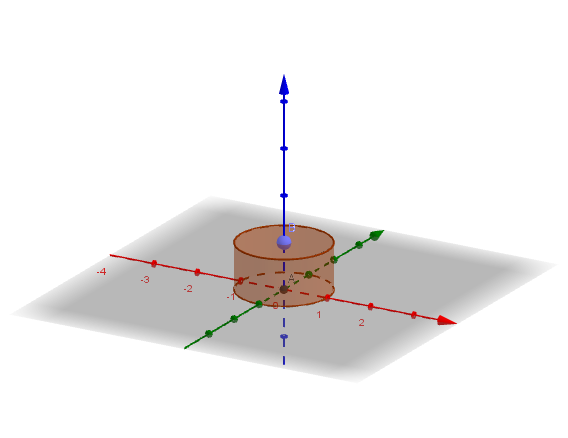
This example demonstrates how to calculate the volume of a cylinder by changing its base radius and height. Key mathematical concepts include the cylinder volume formula and integer operations. It uses GeoGebra commands such as Intersect, Point, Cylinder, and Volume. Suitable for middle school and above students learning solid geometry.
GeoGebra Commands & Parameters
Intersect(yAxis, xAxis) → APoint(zAxis) → BCylinder(A, B, 1) → a, c, d, bVolume(a) → e
AI Drawing Prompt Reference
Draw a cylinder to illustrate the calculation of its volume. Start by creating a point at the origin of the coordinate plane, then draw a line perpendicular to the x-axis through this point, intersecting the x-axis at a point which will be the center of the cylinder's base. Next, draw a circle with radius 1 centered at this point, and extend a line perpendicular to the circle to represent the height of the cylinder. Finally, connect the circle and the line to form the cylinder, and label its volume.
The prompt above was compiled from the original drawing commands and is for reference only.