
Cylinder Surface by Daryl Cox
Loading the math board and drawing, please wait…
In collections
Surface Area Discovery
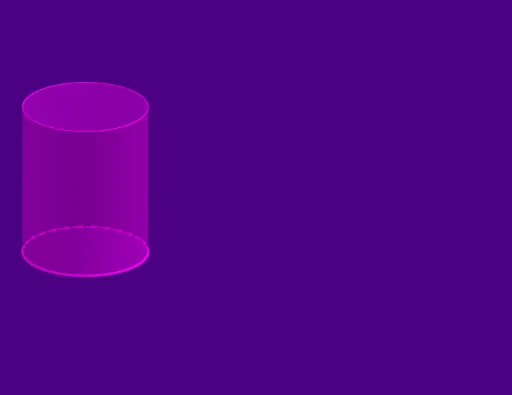
This example demonstrates the construction and visualization of a cylinder surface. It involves core mathematical concepts such as cylinder, surface, parametric curves, vectors, and sequences. Construction highlights include using GeoGebra commands like Circle, Intersect, Point, CircleArc, Vector, Sequence, and Cylinder. Suitable for high school students and math enthusiasts studying solid geometry and parametric equations.
GeoGebra Commands & Parameters
Circle((0, exp(Set)), ℯ^(Set)) → cIntersect(c, xAxis, 1) → APoint(c) → BCircleArc(B, A, A) → dCircleArc((0, exp(Set)), A, B) → eVector((0, 0, 0), (0, 0, 2.5)) → uSequence(Translate[e, Vector[(n * u / 50)]], n, 0, 50) → list1Cylinder((0, 1, 0), (0, 1, 2.5), 1) → a, f, g, b
AI Drawing Prompt Reference
Draw a cylinder surface to demonstrate the use of parametric curves, vectors, and sequences. Start by creating a circle centered on the y-axis, then find its intersection with the x-axis and use this point to draw arcs forming the side of the cylinder. Next, create a vector from the origin to a height of 2.5, and use a sequence to translate the arcs along this vector, forming a set of concentric arcs that collectively create the cylinder surface.
The prompt above was compiled from the original drawing commands and is for reference only.