
Cylinder, Cone, Sphere Demo
Loading the math board and drawing, please wait…
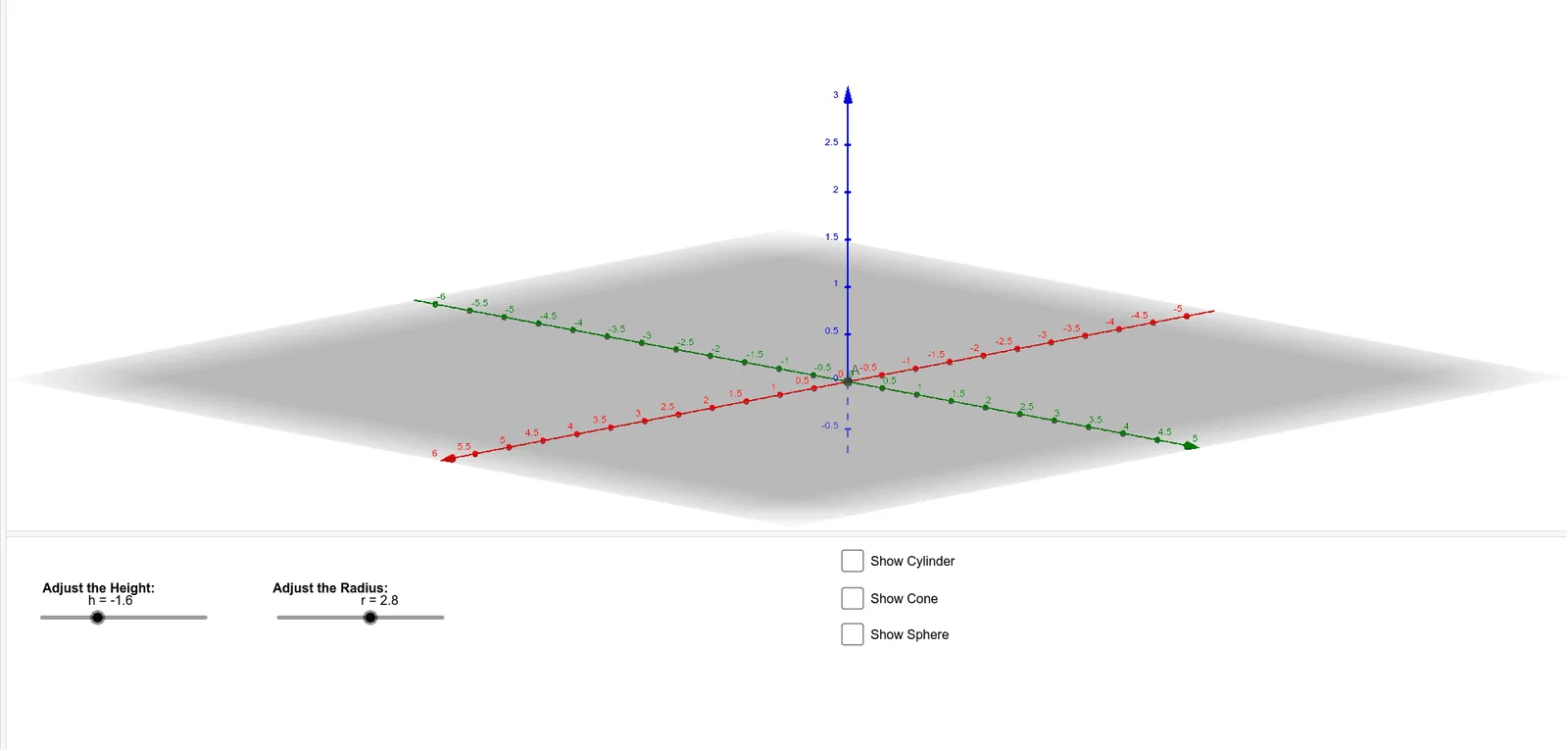
This example demonstrates 3D shapes of cylinder, cone, and sphere, showcasing their properties, volume calculations, surface area formulas, Pythagorean theorem, and centroid computation. It uses commands like Intersect, Circle, Point, Cylinder, Cone, Sphere, and sliders for dynamic parameter adjustment, making it suitable for high school and above students and math enthusiasts for learning solid geometry visually.
GeoGebra Commands & Parameters
Intersect(xAxis, yAxis) → ACircle(A, r) → cPoint(zAxis) → BCylinder(c, h) → a, d, bCone(c, h) → e, f, gSphere((0, 0, h / 2), r) → iPoint(zAxis) → CPoint(zAxis) → D
AI Drawing Prompt Reference
In 3D space, draw a circle on the xy-plane centered at the origin with a variable radius. From this circle, extrude vertically to form a cylinder with adjustable height. Inside the cylinder, construct a cone sharing the same base circle, with its apex directly above the center of the cylinder's top face)Skip. Also, place a sphere centered at the midpoint of the cylinder's height, with the same radius as the base circle, so it fits inside the cylinder. Finally, mark two points along the vertical axis of the cylinder to indicate height or position. The final figure should clearly show the spatial arrangement and relationships among the cylinder, cone, and sphere.
The prompt above was compiled from the original drawing commands and is for reference only.