
Creating Surfaces of Revolution by Rotating 2D Figures Around Any Line
Loading the math board and drawing, please wait…
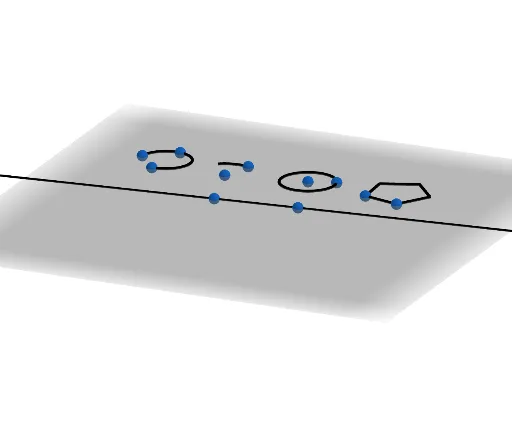
This example demonstrates how to generate a surface of revolution by rotating a 2D figure around any arbitrary line. Key math concepts include rotation, surface generation, and coordinate geometry. It utilizes commands like Line, Polygon, Circle, Rotate, and Surface in GeoGebra. Suitable for high school students and educational purposes requiring 3D geometry visualization.
GeoGebra Commands & Parameters
Line(N, O) → mPolygon(F, G, 5, xOyPlane) → poly1, f, g, h, k, l, H, L, MCircle(A, B, zAxis) → cCircleArc(C, D, E) → dCircumcircleArc(I, J, K) → eRotate(poly1, n, m) → poly1'Surface(e, n, m) → iSurface(d, n, m) → jSurface(poly1, n, m) → aRotate(e, n, m) → e'Surface(c, n, m) → bRotate(d, n, m) → d'Rotate(c, n, m) → c'
AI Drawing Prompt Reference
Visualize a surface of revolution formed by rotating a 2D pentagon around an arbitrary line, along with surfaces generated by rotating a circle and a circular arc around the same line, and then show the surfaces formed by rotating the pentagon, circle, and arc around the line to demonstrate the geometric relationships of rotation and surface generation.
The prompt above was compiled from the original drawing commands and is for reference only.