
Creating a Custom Tool
Loading the math board and drawing, please wait…
In collections
Learn GeoGebra Classic
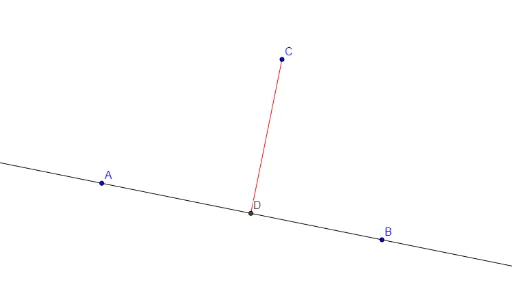
This example demonstrates how to create custom tools in GeoGebra. Users can learn the working principles of custom tools through this example. Core mathematical concepts involved include orthogonal lines, intersection points, and line segments. Key construction points involve using commands like Line, OrthogonalLine, Intersect, Segment, and objects A, B, a, C, b, D, c. Suitable for high school mathematics learners and teachers, it can be used for geometric construction teaching and exploration.
GeoGebra Commands & Parameters
Line(A, B) → aOrthogonalLine(C, a) → bIntersect(a, b) → DSegment(C, D) → c