
Create Sectors
Loading the math board and drawing, please wait…
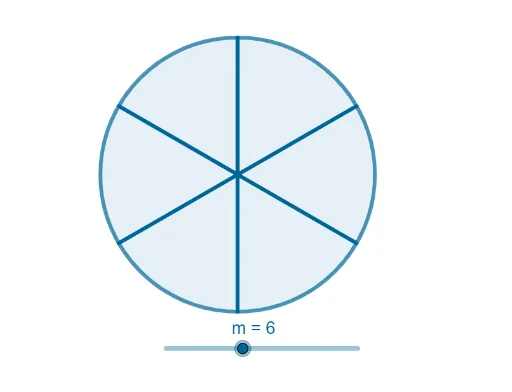
This example demonstrates how to create sectors using GeoGebra, involving core math concepts like angles, circles, equations, and optimization problems. It utilizes commands such as Point, Circle, and Sequence for construction, making it suitable for high school mathematics and geometric constructions.
GeoGebra Commands & Parameters
Point(yAxis) → ACircle(A, B) → cSequence(Segment[(sin(((2 * π) * n / m)), cos(((2 * π) * n / m))), (0, 0)], n, 0, m) → l2
AI Drawing Prompt Reference
Draw a circle centered on the y-axis, then connect the center to a point on the circle. Divide the circle into several sectors based on given angles, showing the construction process with line segments connecting the center to points on the circle.
The prompt above was compiled from the original drawing commands and is for reference only.