
Create Perpendicular Line Segments
Loading the math board and drawing, please wait…
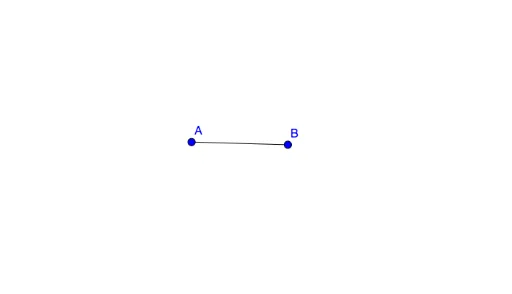
①This example demonstrates how to construct perpendicular line segments in GeoGebra, specifically drawing a segment from a given point perpendicular to a known line. ②Core mathematical concepts include perpendicularity, line-segment construction, and geometric constraints. ③Construction details: using the Segment command with objects A, B, and line f, the perpendicular segment is created by leveraging perpendicular tools or foot-of-perpendicular logic, showcasing precise geometric construction. ④Suitable for middle school geometry or Pre-AP Geometry courses, helping students understand perpendicular definitions, compass-and-straightedge ideas, and dynamic geometry software workflows.
GeoGebra Commands & Parameters
Segment(A, B) → f
AI Drawing Prompt Reference
Draw a line segment perpendicular to a given line segment f from point A. Ensure the segment is perpendicular to f and that point A is on one side of f. The construction order: first draw the given line segment f, then draw the perpendicular segment from point A.
The prompt above was compiled from the original drawing commands and is for reference only.