
Double a Line Segment
Loading the math board and drawing, please wait…
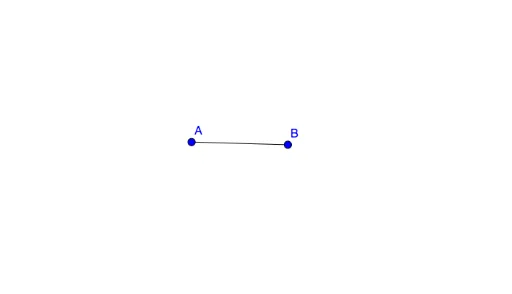
This example demonstrates how to double a line segment using GeoGebra. Key mathematical concepts include the length of a line segment and basic geometric construction. The Segment command is used to construct a line segment that is twice the length of AB. Suitable for middle school geometry learners and educators.
GeoGebra Commands & Parameters
Segment(A, B) → f
AI Drawing Prompt Reference
Draw a horizontal line segment with a left endpoint and a right endpoint. Using this segment as the base, construct a new segment that is exactly twice its length, sharing one endpoint with the original and extending in the same direction. The new segment's other endpoint should lie on the extension of the original line, so the whole figure appears as a straight line divided into two parts. Clearly label the original segment and the doubled segment, and emphasize the length ratio of 1:2.
The prompt above was compiled from the original drawing commands and is for reference only.