
Cortes Cones Example
Loading the math board and drawing, please wait…
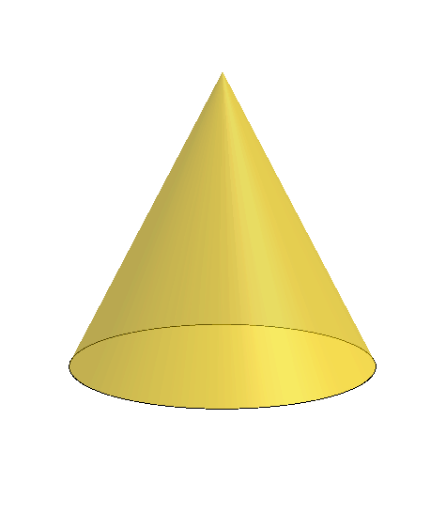
This example demonstrates the geometric construction of Cortes Cones and related statistical characteristics. Key math concepts include cones, geometric construction, conditional probability, statistical features, and means. Construction highlights GeoGebra commands like Polygon, PointIn, Translate, Rotate, Cone, Plane, IntersectPath, OrthogonalLine, and Ends. Suitable for high school and above learners for deepening understanding and visualizing solid geometry and probability & statistics.
GeoGebra Commands & Parameters
Polygon(B + (-2, -2), B + (2, -2), B + (2, 2), B + (-2, 2)) → poly3, e, f, g, iPointIn(poly3) → CTranslate((0, 0, 0), Vector[B, C]) → APolygon(A + (-4, -4), A + (4, -4), A + (4, 4), A + (-4, 4)) → poly1, a, b, c, dRotate(Rotate[Translate[poly1, Vector[A, A + (0, 0, h)]], (90° * s), A + (0, 0, h), yAxis], (90° * t), A, zAxis) → poly2Rotate(D, 120°, (0, 0, 0)) → ECone((0, 0, 0), (0, 0, 4), 2) → m, e_1, oPolygon(D, E, 3, xOyPlane) → poly4, j, k, l, FPointIn(poly2) → GPointIn(poly2) → HPointIn(poly2) → IPlane(G, I, H) → nIntersectPath(n, m) → poly6OrthogonalLine(A, n) → d_1Ends(m) → g_1, g_1_1
AI Drawing Prompt Reference
Draw a cube with a rectangle inside. Rotate the rectangle around its center to form a solid of revolution. Place a cone above the cube and select three random points on the surface of the solid. Draw a plane through these points, which intersects the cone to form a curve. Finally, show the intersection line between the plane and the cone, as well as the apex of the cone.
The prompt above was compiled from the original drawing commands and is for reference only.