
Constructing a Parallel Line with Geogebra
Loading the math board and drawing, please wait…
In collections
Lesson 2: Read and Write Constructions
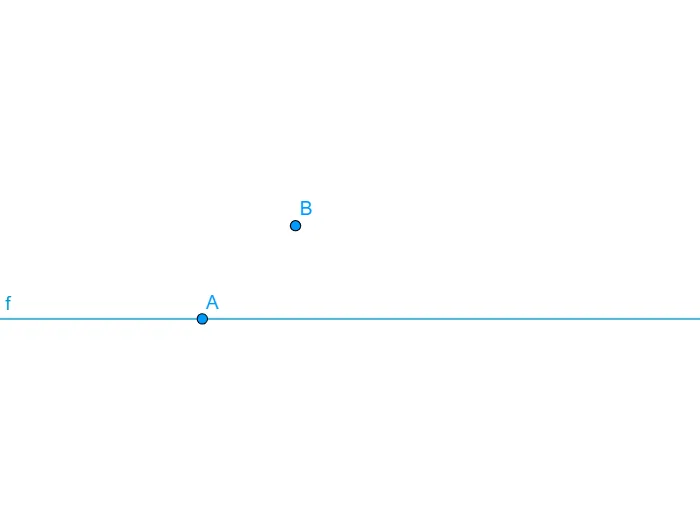
This example demonstrates how to construct a line parallel to a given line in plane geometry using standard straightedge-and-point style construction inside GeoGebra. It highlights the geometric idea that parallel lines share the same direction and preserve the angle structure with respect to a reference line. The core concepts include line construction, the use of geometric objects (points and lines) to impose constraints, and the practical workflow for building parallelism in dynamic geometry. From the provided GeoGebra construction summary, the construction relies on the GeoGebra command “Line” and uses objects such as B1, A, B, Z, and f to define the needed reference elements and the resulting parallel line. This is well-suited for middle and high school geometry lessons on parallel lines, as well as for students practicing dynamic geometry constructions and interactive proofs.
GeoGebra Commands & Parameters
Line(A, Z) → f
AI Drawing Prompt Reference
Draw a given line and select a point on it. Through this point, construct a line parallel to the given line. Highlight the construction process emphasizing that parallel lines share the same direction and preserve the angle structure with respect to a reference line. Use geometric objects like points and lines to build the figure, showcasing the workflow for creating parallelism in dynamic geometry.
The prompt above was compiled from the original drawing commands and is for reference only.