
Constructing a Cylinder in GeoGebra with Calculus Applications
Loading the math board and drawing, please wait…
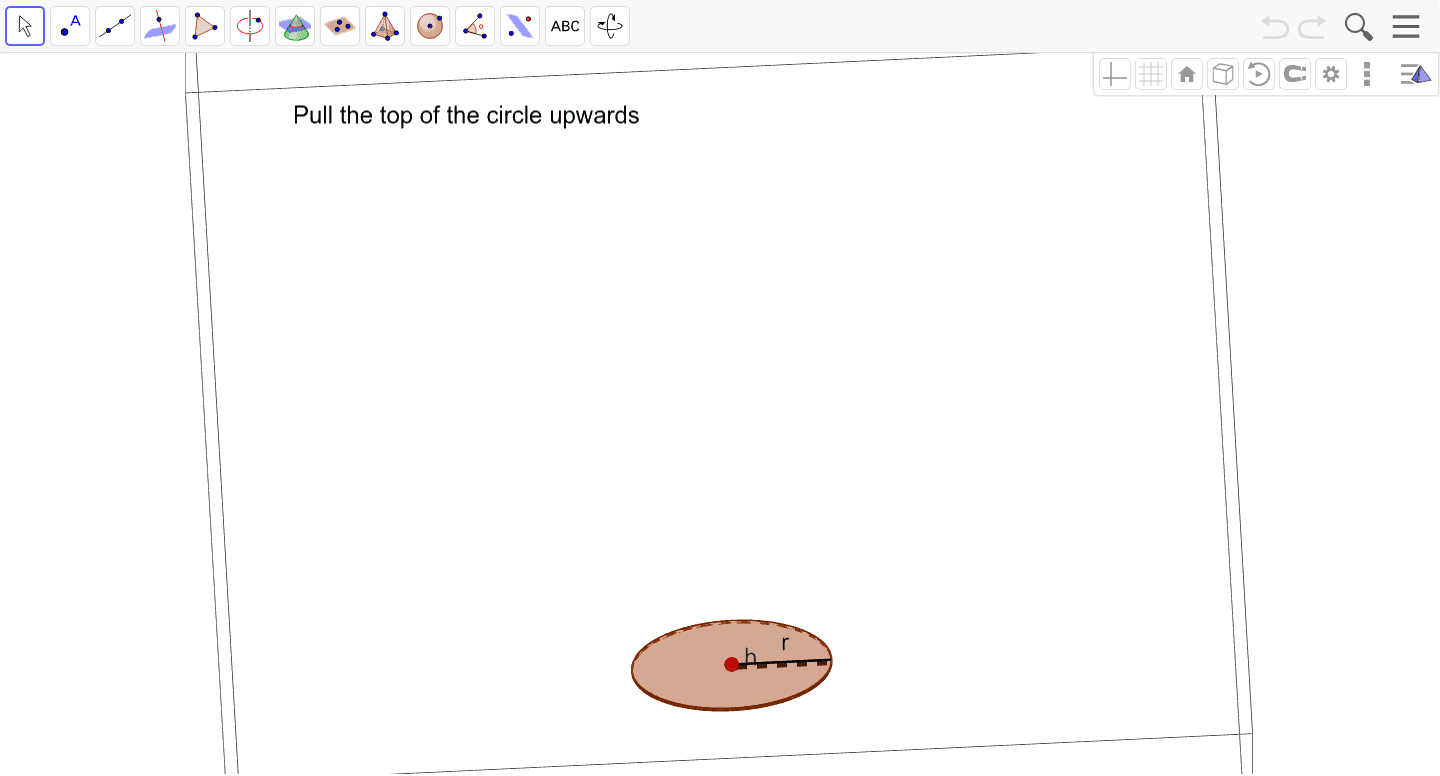
This example demonstrates how to dynamically construct a cylinder in GeoGebra using basic geometric commands and explore its properties. It integrates solid geometry concepts such as axis, radius, and height with calculus topics like volume integration and optimization. By defining objects with Circle, Intersect, Point, Cylinder, and Segment, users can create precise models and investigate cross‑sections. The activity is designed for high‑school and early university students, supporting lessons in geometry, calculus, and STEM modeling.
GeoGebra Commands & Parameters
Circle(yAxis, A) → dIntersect(xAxis, yAxis) → BPoint(xAxis) → CCylinder(B, C, 2) → a, c, e, bSegment(B, C) → hSegment(B, D) → r