
Constructing a 30° Angle
Loading the math board and drawing, please wait…
In collections
Geometry Constructions
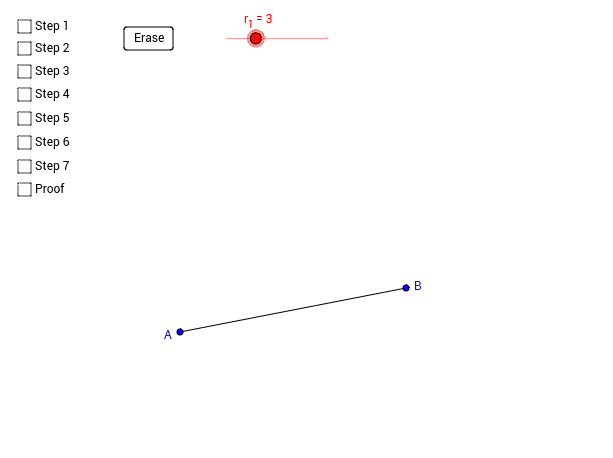
This example demonstrates how to construct a 30° angle using GeoGebra. The core mathematical concepts involved are angles and geometric construction. By using commands such as Circle, Segment, Intersect, Line, and Point, a 30° angle can be constructed. Suitable for students at the junior high school level and above for learning geometric construction.
GeoGebra Commands & Parameters
Circle(A, r_1) → cSegment(A, B) → aIntersect(c, a, 1) → CCircle(C, r_1) → dIntersect(c, d, 1) → DCircle(D, r_1) → eIntersect(d, e, 2) → ELine(A, E) → bPoint(c) → FPoint(d) → GPoint(e) → HPoint(b) → ISegment(F, A) → fSegment(G, C) → gSegment(D, H) → hSegment(D, A) → pSegment(A, C) → qSegment(C, D) → rSegment(D, E) → sSegment(E, C) → tSegment(A, E) → a_1
AI Drawing Prompt Reference
Construct a 30-degree angle. Start by drawing a circle, then a line segment, find their intersection, use that point as the center to draw another circle, and find its intersection with the previous circle, repeating this process to form a 30-degree angle.
The prompt above was compiled from the original drawing commands and is for reference only.