
Constructing a 60° Angle
Loading the math board and drawing, please wait…
In collections
Geometry Constructions
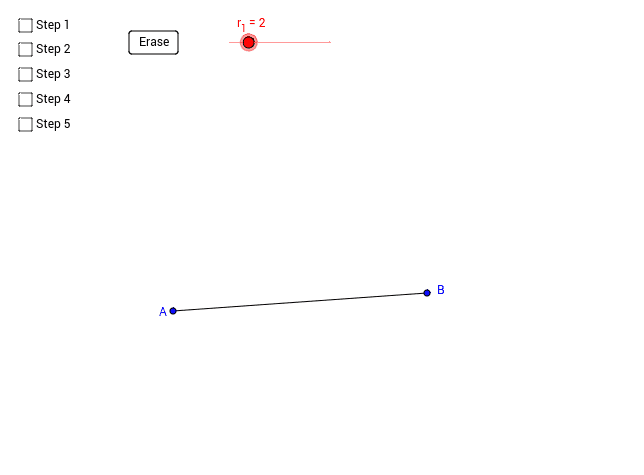
This example demonstrates how to construct a 60° angle using geometric construction methods. Key math concepts include geometric construction, angle construction, and properties of circles. The construction involves commands/objects like Circle, Segment, Intersect, Line, and Point in GeoGebra. Suitable for middle school students and above for learning geometric construction techniques and for mathematical teaching demonstrations.
GeoGebra Commands & Parameters
Circle(A, r_1) → cSegment(A, B) → aIntersect(c, a, 1) → CCircle(C, r_1) → dIntersect(c, d, 1) → DLine(A, D) → bPoint(c) → EPoint(d) → FPoint(b) → GSegment(E, A) → eSegment(F, C) → f
AI Drawing Prompt Reference
Construct a 60-degree angle by first drawing a circle c with center A, then drawing a segment a connecting points A and B, finding the intersection point C of circle c and segment a, drawing another circle d with center C, finding the intersection point D of circles c and d, drawing a line b through points A and D, and marking points E, F, and G as the intersections of circle c, circle d, and line b with circle c, respectively, and finally drawing segments from E to A and from F to C.
The prompt above was compiled from the original drawing commands and is for reference only.