
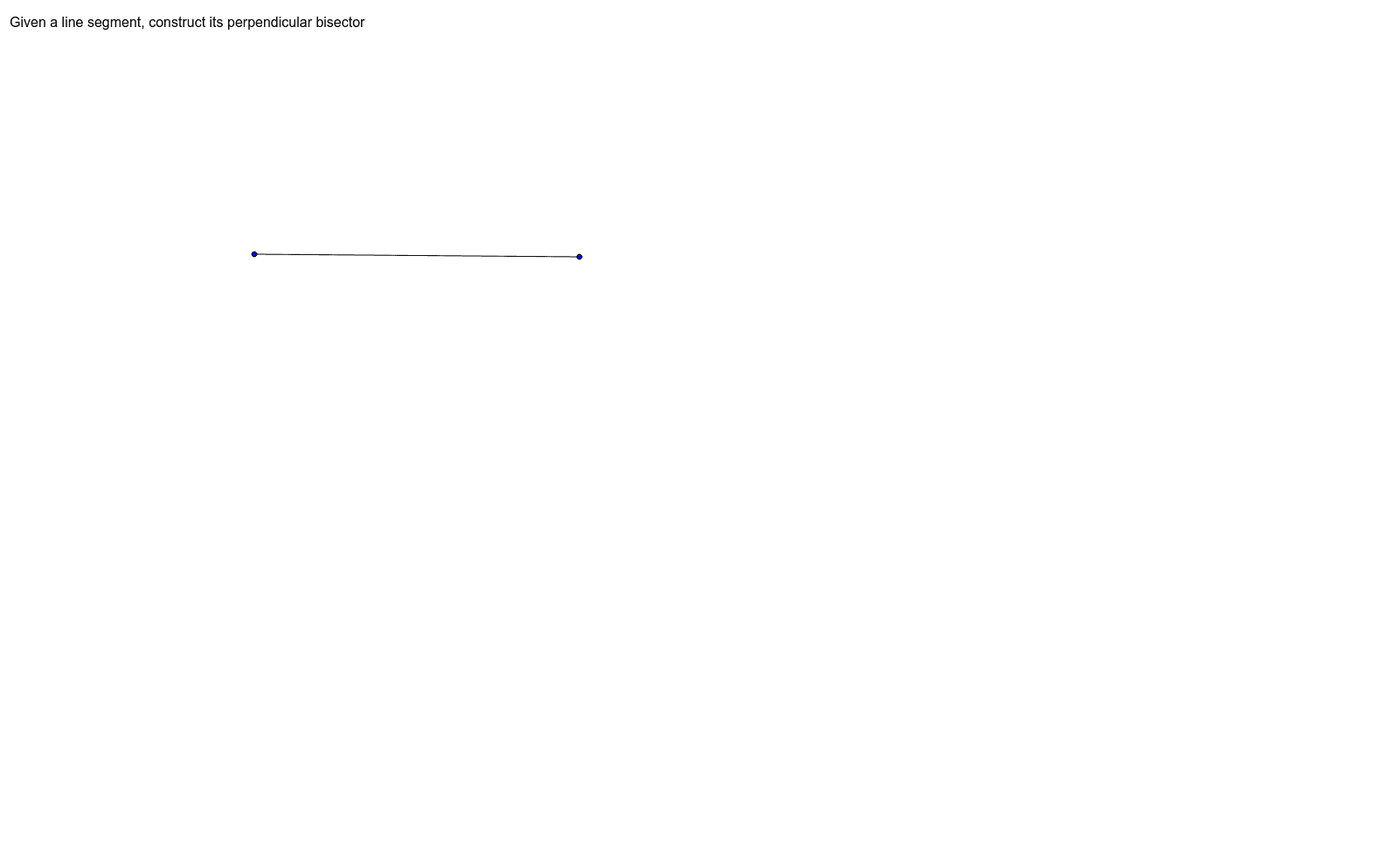
Construct the Perpendicular Bisector of a Segment
Loading the math board and drawing, please wait…
In collections
Integrated Math Constructions
① This example demonstrates how to construct the perpendicular bisector of a given line segment using GeoGebra's construction tools, illustrating the geometric property that every point on the bisector is equidistant from the segment's endpoints. ② The core mathematical concept is the definition and properties of a perpendicular bisector, including its role in geometric constructions and its relation to equidistance. ③ Construction details: Based on the construction summary, the Segment command is used to create segment AB, with points A, B, C and a text object text1 involved; point C likely serves as the midpoint or an auxiliary point, and the perpendicular bisector is determined by constructing equal distances (possibly via circles or compass tools). ④ This is suitable for middle school geometry lessons or introductory geometric construction practice, helping students understand the construction process and become familiar with GeoGebra's basic commands.
GeoGebra Commands & Parameters
Segment(B, C) → a
AI Drawing Prompt Reference
Draw a line segment, find its midpoint, and draw two circles with the same radius centered at the midpoint. Connect the two intersection points of these circles with the line segment to form its perpendicular bisector, demonstrating that any point on this line is equidistant from the segment's endpoints.
The prompt above was compiled from the original drawing commands and is for reference only.