
Construct Perpendicular Bisector (Midpoint) Demo
Loading the math board and drawing, please wait…
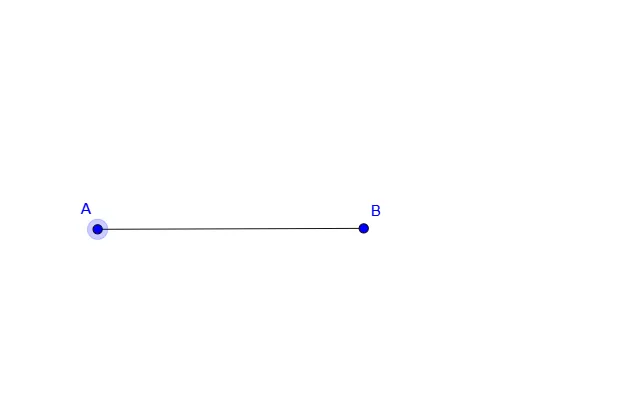
This example demonstrates how to construct the perpendicular bisector of a segment and automatically mark its midpoint in GeoGebra. Core mathematical concepts include segments, midpoints, perpendicular bisectors, perpendicularity, and symmetry. Construction steps: create segment AB with the Segment command, then use points A, B and the function f (or related tools) to generate the perpendicular bisector; the software computes the midpoint and draws the perpendicular line. Suitable for middle‑school geometry instruction, high‑school review, and introductory geometric construction activities, serving as classroom interaction or self‑study material.
GeoGebra Commands & Parameters
Segment(A, B) → f
AI Drawing Prompt Reference
Draw a line segment AB and its perpendicular bisector. Mark the midpoint of AB on the bisector. Ensure the bisector is perpendicular to AB and the midpoint is exactly in the middle of AB.
The prompt above was compiled from the original drawing commands and is for reference only.