
Construct Kite Given Two Segments
Loading the math board and drawing, please wait…
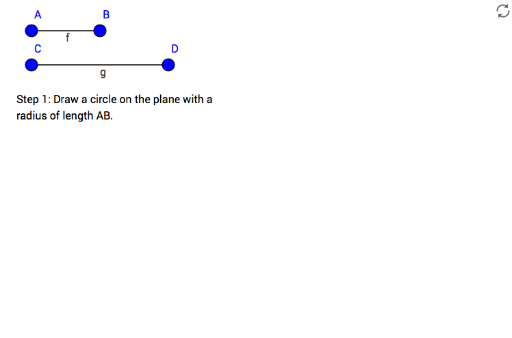
This example demonstrates how to construct a kite given two segments. Key mathematical concepts include the properties of a kite and geometric construction. Using GeoGebra commands such as Segment, Circle, Intersect, and Polygon, the kite is constructed step-by-step. Suitable for middle school and above students learning geometric construction.
GeoGebra Commands & Parameters
Segment(A, B) → fSegment(C, D) → gCircle(E, Segment[A, B]) → cCircle(F, Segment[C, D]) → dIntersect(c, d) → G, H, ,Polygon(E, H, F, G) → zKite, e, h, f_1, g_1
AI Drawing Prompt Reference
Draw a kite by first creating two segments, then drawing circles with these segments as diameters. Find the intersection points of the circles and connect these four points to form a quadrilateral, illustrating the construction of the kite.
The prompt above was compiled from the original drawing commands and is for reference only.