
Construct an Angle Double the Given Angle
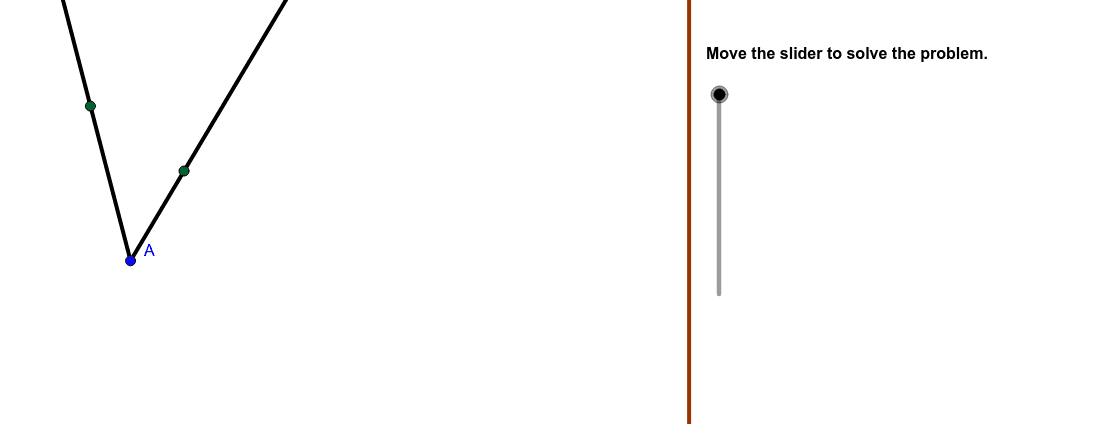
Loading the math board and drawing, please wait…
In collections
PARCC Math III Unit 5 Lesson 1
This example demonstrates how to construct a new angle equal to twice a given angle using GeoGebra. It involves core mathematical concepts such as angles, straight lines, angle addition, and intersection. The construction utilizes commands like Polygon, Segment, Ray, Vector, Translate, Circle, Intersect, Mirror, and CircumcircleArc to achieve the desired angle construction and transformation. Suitable for high school students learning geometric constructions and angle operations.
GeoGebra Commands & Parameters
Polygon((22, y(Corner[1])), Corner[2], Corner[3], (22, y(Corner[4]))) → mask, a, b, c, dSegment(A, B) → FirstArcDistanceRay(G, RayPoint) → SecondAngleRayMidVector(A, G) → uTranslate(A, u) → A'Translate(B, u) → TranslateBSegment(A', TranslateB) → FirstTranslationCircle(G, TranslateB) → SecondAngleCircleIntersect(SecondAngleCircle, SecondAngleRayMid) → H,Vector(G, H) → vRay(A, B) → FirstAngleRay1Ray(A, FirstAngleRaypt) → FirstAngleRay2Circle(A, B) → FirstAngleCircleIntersect(FirstAngleCircle, FirstAngleRay2) → C,Mirror(B, FirstAngleRay2) → FirstAngleDef1Mirror(C, FirstAngleRay1) → FirstAngleDef2Segment(C, B) → AcrossFistArcCircumcircleArc(FirstAngleDef1, B, FirstAngleDef2) → FirstAngleArcSegment(B, FirstAngleDef1) → BuildLengthCircle(H, AcrossFistArc) → BetweenSecondAngleIntersect(BetweenSecondAngle, SecondAngleCircle) → J, E, ,Ray(G, J) → SecondAngleRay2Mirror(H, SecondAngleRay2) → SecondAngleDef2Ray(G, E) → SecondAngleRay1Mirror(H, SecondAngleRay1) → SecondAngleDef1CircumcircleArc(SecondAngleDef1, H, SecondAngleDef2) → SecondAngleArcSegment(E, H) → AcrossSecondArc
AI Drawing Prompt Reference
Construct an angle that is double the given angle. Start by drawing a quadrilateral and identifying its vertices. Then, use a point and vector to construct two rays and a segment. Utilize circles and intersections to find key points, and construct the new angle through mirroring and arcs. Finally, connect the key points to form the desired double angle.
The prompt above was compiled from the original drawing commands and is for reference only.