
Construct an Angle by Erell Germia
Loading the math board and drawing, please wait…
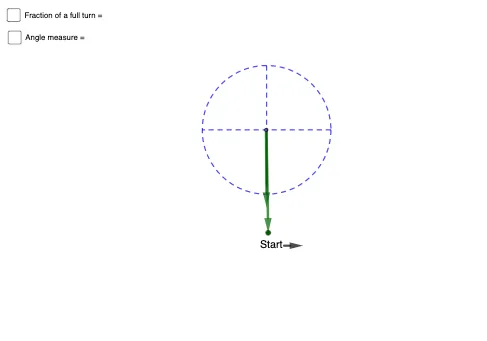
This example demonstrates how to construct a specific angle. Key mathematical concepts include the definition and measurement of angles. It uses commands such as Circle, Point, Vector, Angle, Segment, Line, and Intersect in GeoGebra. Suitable for middle school and above students or teachers.
GeoGebra Commands & Parameters
Circle(A, 3) → ePoint(e) → EVector(F, E) → uCircle(A, 4) → cPoint(c) → CVector(A, C) → aAngle(u, a) → γSegment(A, C) → fCircle(A, 2.5) → dPoint(u) → OPoint(a) → QVector(R, S) → vLine(A, yAxis) → iLine(A, xAxis) → jIntersect(d, j) → B, DIntersect(d, i) → H, ISegment(I, H) → kSegment(D, B) → lCircleSector(A, O, Q) → gPolygon(G, J, 4) → poly1, n, p, r, s, K, L
AI Drawing Prompt Reference
Draw an angle by first creating a circle and marking a point on it. Then, draw a vector from the center to this point. Next, create two circles with different radii, mark points on each, and draw vectors from the centers to these points. Measure the angle between the two vectors and draw the sides of the angle. Draw an auxiliary circle intersecting the coordinate axes to get four points, and connect these points with line segments. Finally, create a sector with the center as the vertex and the two vectors as boundaries, then combine the sector with the two line segments to form a quadrilateral.
The prompt above was compiled from the original drawing commands and is for reference only.