
Construct a Square with Given Side Length
Loading the math board and drawing, please wait…
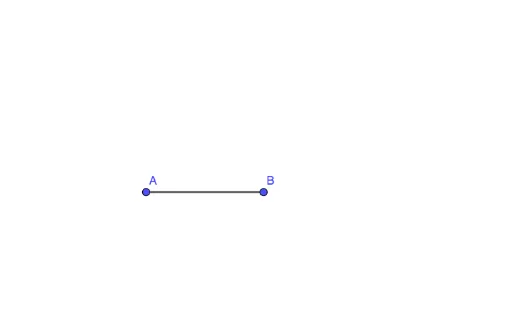
This example demonstrates how to construct a square given a side length. The core mathematical concepts involved are geometric construction and line segments. Using the GeoGebra command 'Segment', a square can be constructed. Suitable for middle school and above students to learn geometric construction.
GeoGebra Commands & Parameters
Segment(A, B) → f
AI Drawing Prompt Reference
Draw a square with a side length of 5. First, draw a line segment AB with a length of 5. Then, draw a circle with a radius of 5 centered at A, and another circle with the same radius centered at B. The intersection points of these two circles are C and D. Finally, connect BC, CD, and DA to form a square with a side length of 5.
The prompt above was compiled from the original drawing commands and is for reference only.