
Construct a Line Segment Twice as Long
Loading the math board and drawing, please wait…
In collections
PARCC Math III Unit 5 Lesson 1
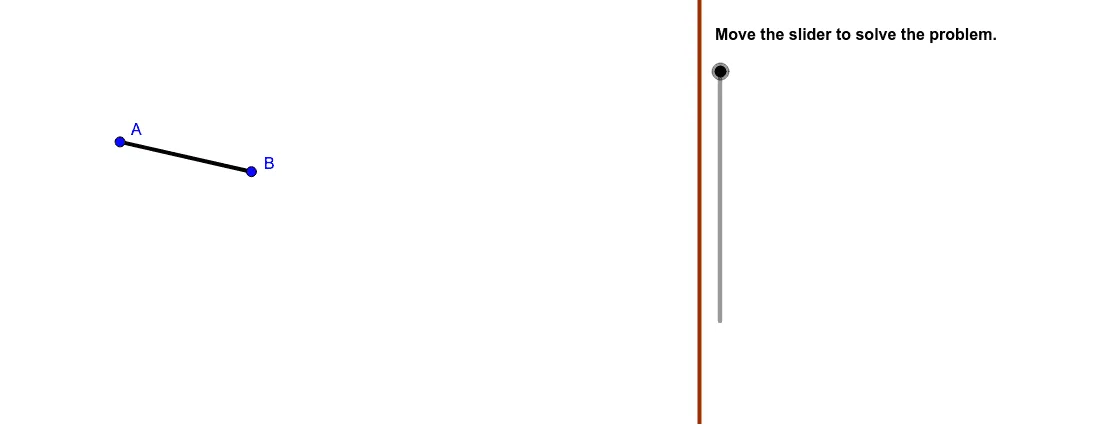
This example demonstrates how to construct a new line segment with a length twice that of the given segment. Key mathematical concepts include geometric construction and vectors. Using GeoGebra commands such as Polygon, Segment, Vector, and Translate, the construction process is clearly illustrated. Suitable for high school mathematics education or learning.
GeoGebra Commands & Parameters
Polygon((22, y(Corner[1])), Corner[2], Corner[3], (22, y(Corner[4]))) → mask, a, b, c, dSegment(A, B) → eRay(C, RayPoint) → fVector(A, C) → uTranslate(A, u) → ATrans1Translate(B, u) → BTrans1Segment(ATrans1, BTrans1) → FirstTranslationCircle(C, BTrans1) → gIntersect(g, f) → D,Vector(C, D) → vTranslate(ATrans1, v) → ATrans2Translate(BTrans1, v) → BTrans2Segment(ATrans2, BTrans2) → SecondTranslationCircle(D, BTrans2) → hTranslate(D, v) → EMirror(BTrans1, f) → BTrans1MirrorMirror(BTrans2, f) → BTrans2MirrorCircumcircleArc(BTrans1, D, BTrans1Mirror) → FirstArcCircumcircleArc(BTrans2, E, BTrans2Mirror) → SecondArcSegment(C, E) → FinalResult
AI Drawing Prompt Reference
Construct a line segment twice the length of a given segment. First, draw a quadrilateral, then construct segment AB. Next, use vector AC to construct two new segments ATrans1 and BTrans1, and then use vector CD to construct ATrans2 and BTrans2. The final result is segment ATrans2 and BTrans2.
The prompt above was compiled from the original drawing commands and is for reference only.