
Conic Tangent and Vector Animation
Loading the math board and drawing, please wait…
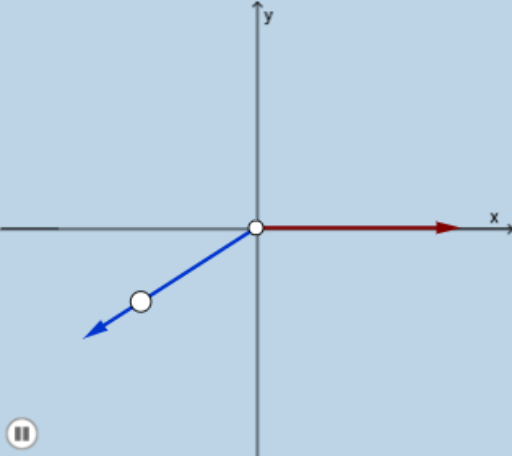
①This example demonstrates a dynamic animation of tangent lines, normals, and related vectors on a conic section (such as a circle), showing how these geometric elements change as a point moves along the curve. ②Core mathematical concepts include conic sections (circle), tangent lines, normals, vector operations, and function graphs, driven by real-number parameters. ③Construction details: Using GeoGebra commands Vector, Circle, Point, Ray, and Intersect, objects A, B, C, u, c, d, D, f, E, v, and button1 are created; a slider or button controls the animation to update tangents and vectors in real time. ④Suitable for high school or early college students to understand tangent properties of conics, vector geometry, and dynamic mathematical visualization, as well as for classroom demonstrations by teachers.
GeoGebra Commands & Parameters
Vector(A, C) → uCircle(A, B) → cCircle(A, C) → dPoint(c) → DRay(A, D) → fIntersect(d, f, 1) → EVector(A, E) → v
AI Drawing Prompt Reference
Draw a circle and dynamically move a point on it to show the tangent, normal, and related vectors at that point. First, draw a circle, then create a point on the circle and draw the tangent and normal at that point. Finally, dynamically display the vector from the circle center to the point.
The prompt above was compiled from the original drawing commands and is for reference only.