
Conic Sections Animation
Loading the math board and drawing, please wait…
In collections
Conic Section Collection
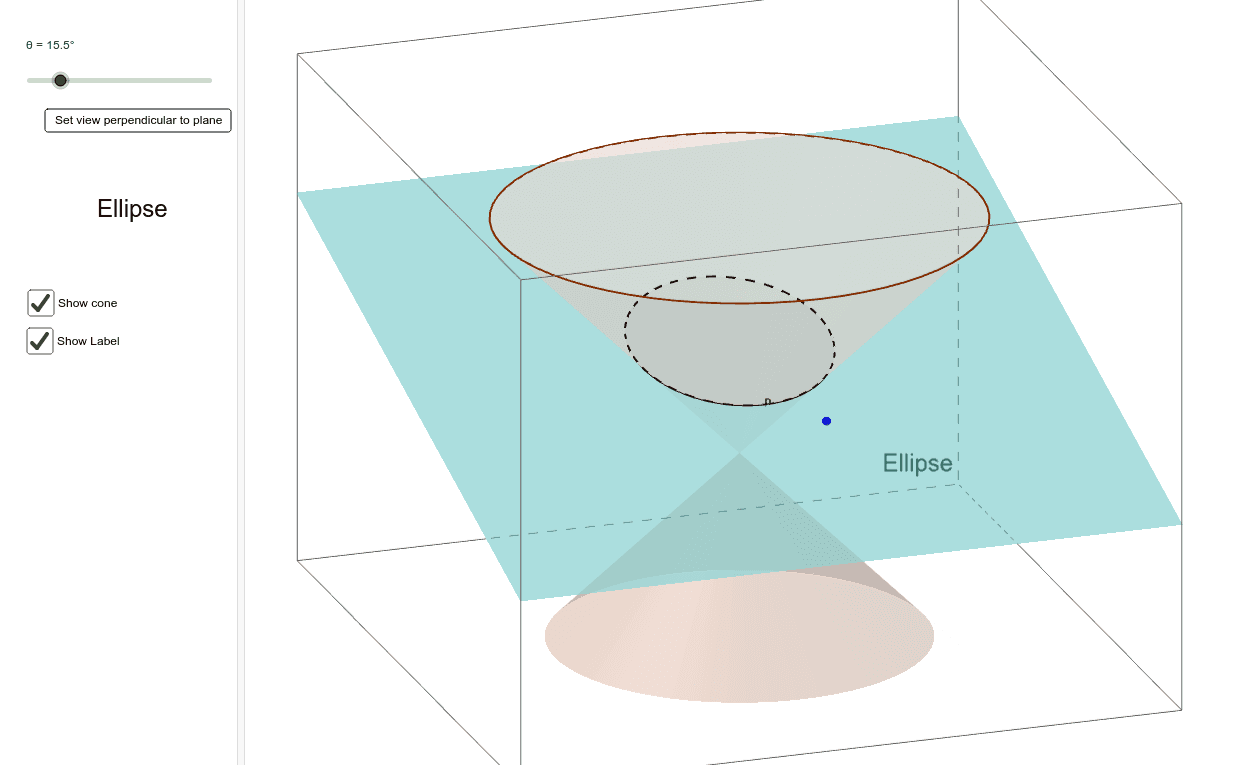
This example demonstrates the generation process of conic sections through animation. Key mathematical concepts include conic sections, ellipses, parabolas, and hyperbolas. Using GeoGebra commands such as Cone, Circle, and IntersectPath, one can dynamically observe the formation of these curves. Suitable for high school mathematics education, particularly in the context of coordinate geometry and conic sections.
GeoGebra Commands & Parameters
Cone((0, 0, h), O, r) → a, c, bCone((0, 0, (-h)), O, r) → d, e, fCircle(A, 1, nor) → gPlane(g) → iIntersectPath(i, d) → kIntersectPath(i, a) → pOrthogonalLine(A, i) → jIf(θ ≟ 0, "Circle", If[θ < 45°, "Ellipse", If[θ ≟ 45°, "Parabola", If[(θ > 45°) ∧ (θ < 90°), "Hyperbola", "Rectangular Hyperbola"]]]) → text1
AI Drawing Prompt Reference
Animate the generation process of conic sections, showing a vertical cone and a horizontal cone intersecting with a plane to form an ellipse and a parabola, respectively, and intersecting a circle with the horizontal cone to form a hyperbola, with labels indicating the shape changes at different angles.
The prompt above was compiled from the original drawing commands and is for reference only.