
Conic Section Intersection Dynamics
Loading the math board and drawing, please wait…
In collections
Geometri Analitik: Conic Section
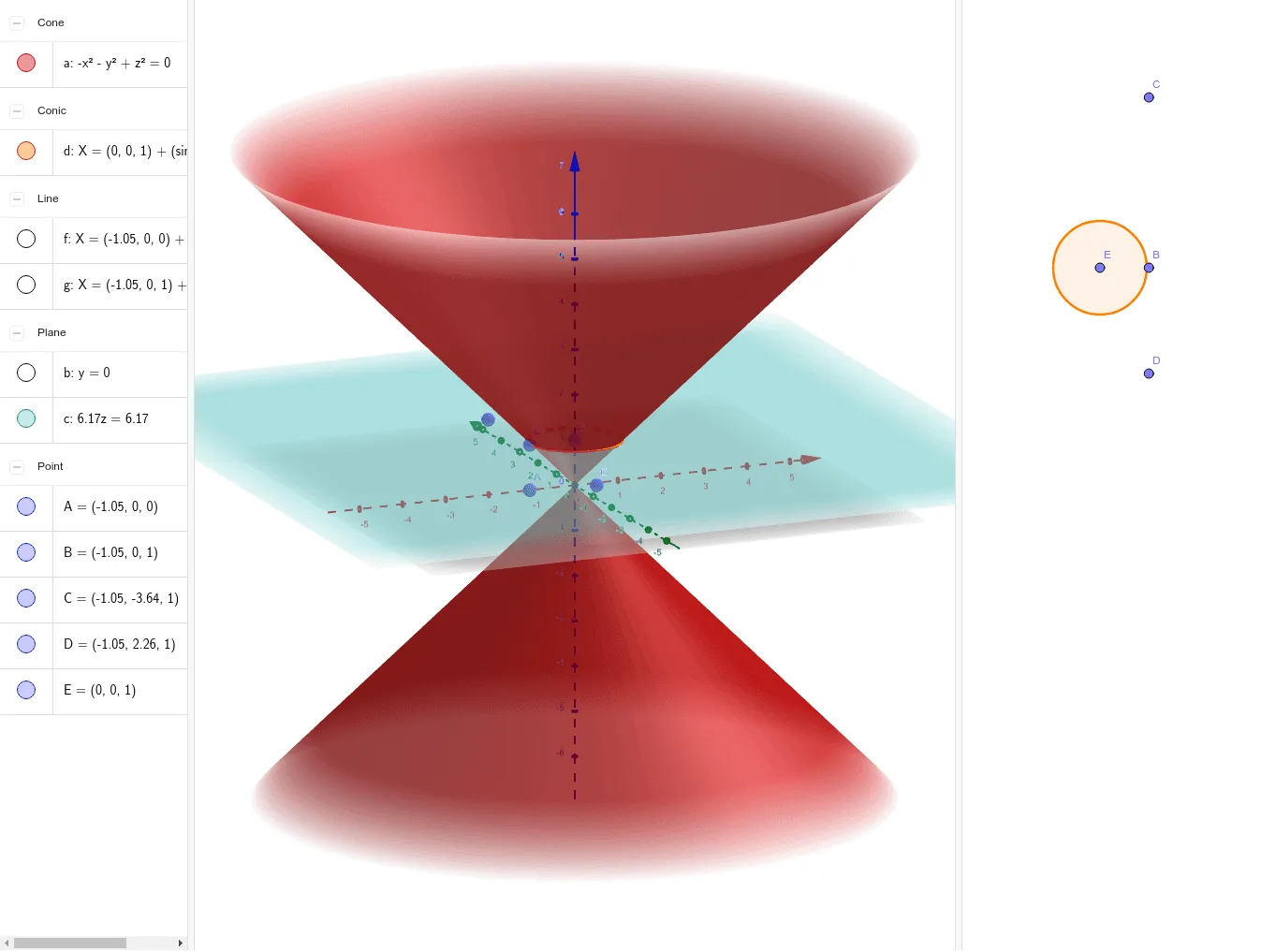
This GeoGebra example dynamically demonstrates the complete intersection results of a conic section, enabling users to move corresponding points and observe real-time changes in the intersection point trajectories. Core mathematical concepts include the definition of conic sections (circles, ellipses, parabolas, hyperbolas) and their intersection properties with lines and planes. Construction employs GeoGebra commands such as Point, Plane, IntersectPath, OrthogonalLine, and OrthogonalPlane, operating on objects a, A, f, B, b, g, C, D, E, c, d. It is suitable for high school analytic geometry and university-level space geometry or probability and statistics courses, providing an intuitive visualization of conic section intersection dynamics and spatial relationships.
GeoGebra Commands & Parameters
Point(xAxis) → AOrthogonalLine(A, xOyPlane) → fPoint(f) → BOrthogonalPlane(B, yAxis) → bOrthogonalLine(B, b) → gPoint(g) → CPoint(g) → DPoint(zAxis) → EPlane(C, D, E) → cIntersectPath(c, a) → d
AI Drawing Prompt Reference
Draw a dynamic illustration showing the intersection point trajectories of a conic section with a moving line. Include a conic section and a line that moves, and observe the path of intersection points as the line moves. There is also a point moving along the line, used to construct a plane perpendicular to the y-axis. Then, construct a line perpendicular to the moving line within this plane. Finally, use two points on this line and a point on the z-axis to form a plane, and show the intersection path of this plane with the conic section.
The prompt above was compiled from the original drawing commands and is for reference only.