
Cone Net
Loading the math board and drawing, please wait…
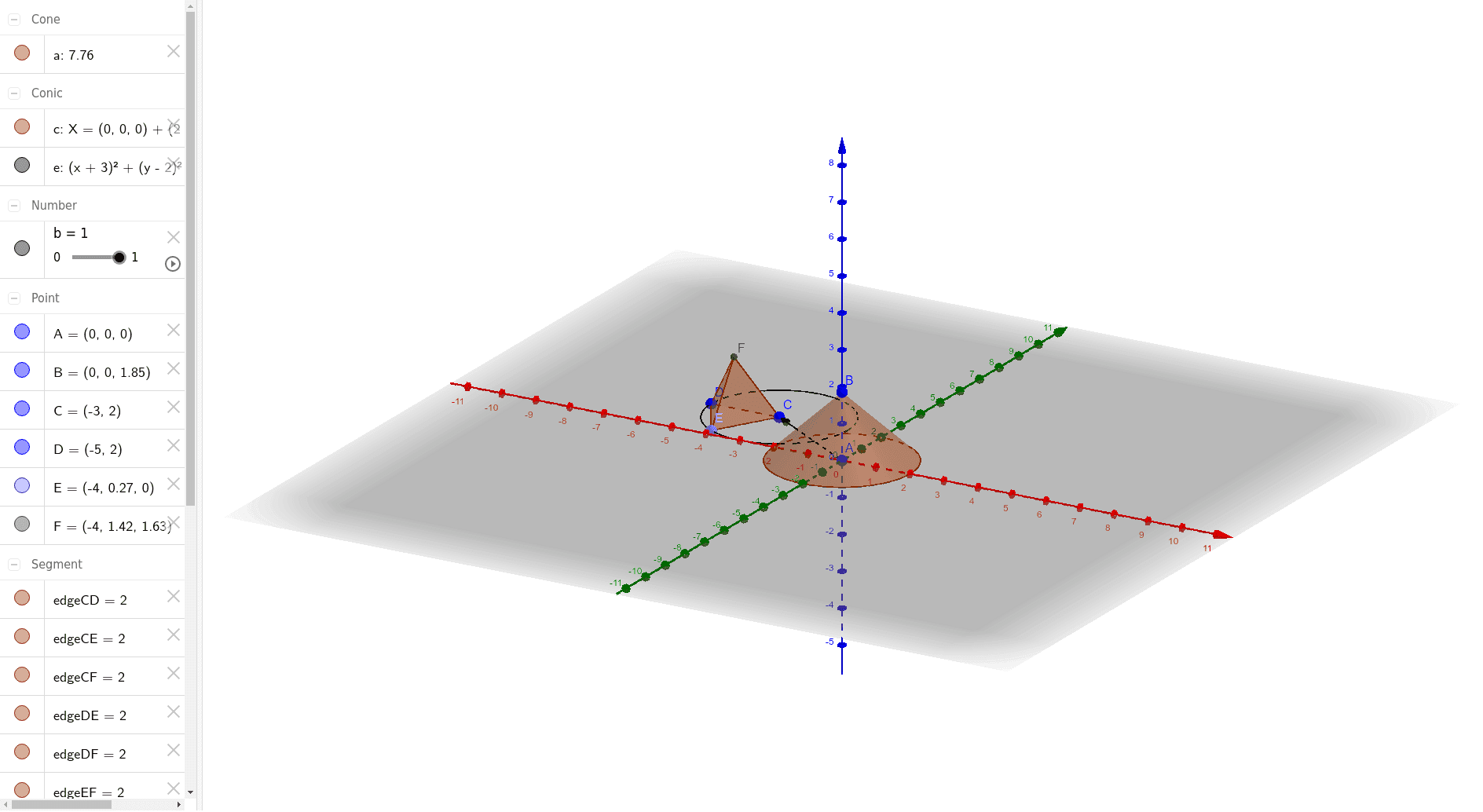
This example demonstrates the net of a cone, illustrating the geometric properties and unfolding principles of a cone. Using GeoGebra commands such as Cone, Vector, Circle, and Point, it provides a visual understanding of the cone's structure. Suitable for students at the middle school level and above, particularly for studying solid geometry.
GeoGebra Commands & Parameters
Cone(A, B, 2) → a, c, dVector(A, C) → uCircle(C, D) → ePoint(Circle[Midpoint[C, D], (Distance[C, D] * sqrt(3) / 2), Segment[C, D]]) → ETetrahedron(C, D, E) → f, F, edgeEF, edgeDF, faceCDE, faceCEF, faceCDF, faceDEF, edgeCE, edgeCD, edgeDE, edgeCF
AI Drawing Prompt Reference
Draw the net of a cone, which includes the lateral surface and a circular base, where the lateral surface unfolds into a sector, and the base is a circle. The center of the sector coincides with the apex of the cone, and the arc length of the sector equals the circumference of the cone's base. The distance from the apex to the center of the base is the height of the cone, and the radius of the sector is the slant height of the cone. The lateral surface and the base are connected by the slant height.
The prompt above was compiled from the original drawing commands and is for reference only.